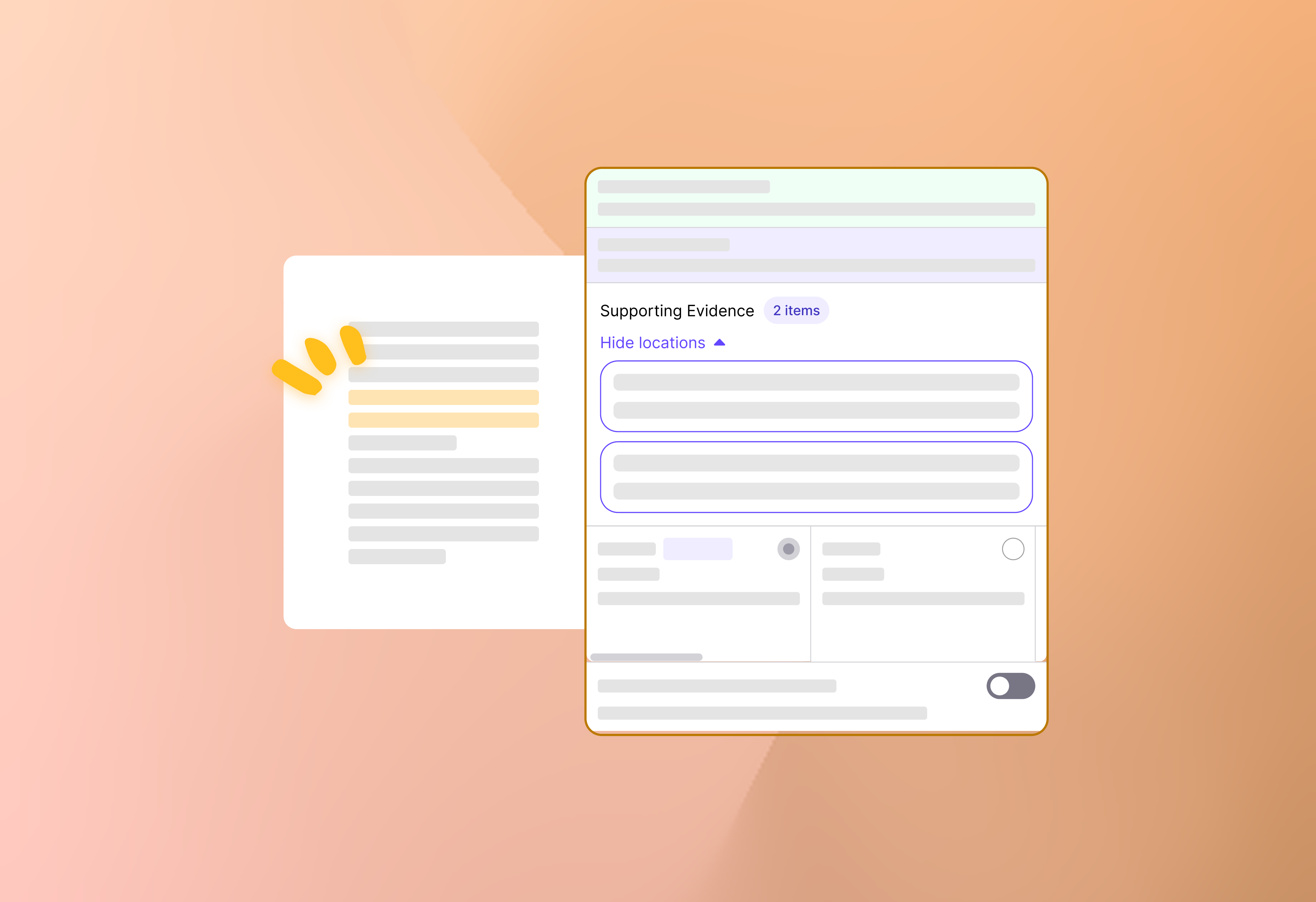
Happy Friday! This week’s update is all about transparency and clarity in your grading workflows. We’re shipping a new update that shows the exact reasons grades and feedback are generated, so you can see the reasoning behind every score.
Here’s what’s new:
Grading

Ever wanted to quickly see why a student got a suggested grade? Now, under the Supporting Evidence section in the criterion card, click a highlighted text and you’ll be taken straight to the corresponding page or area and no more hunting around!
Feedback

Click a feedback comment, and you’ll see the Supporting Evidence section, clicking the texts to follow how grades were determined and how feedback was crafted.
We hope this update makes grading more transparent for you. Explore the supporting evidence, and see exactly how every grade and piece of feedback comes together!