At TimelyGrader, transparency is a core value.
With the admin dashboard, institutional admins can monitor usage activity, download course-level and user-level statistics, and manage sub-account access to TimelyGrader. This will foster continuous improvement and accountability.
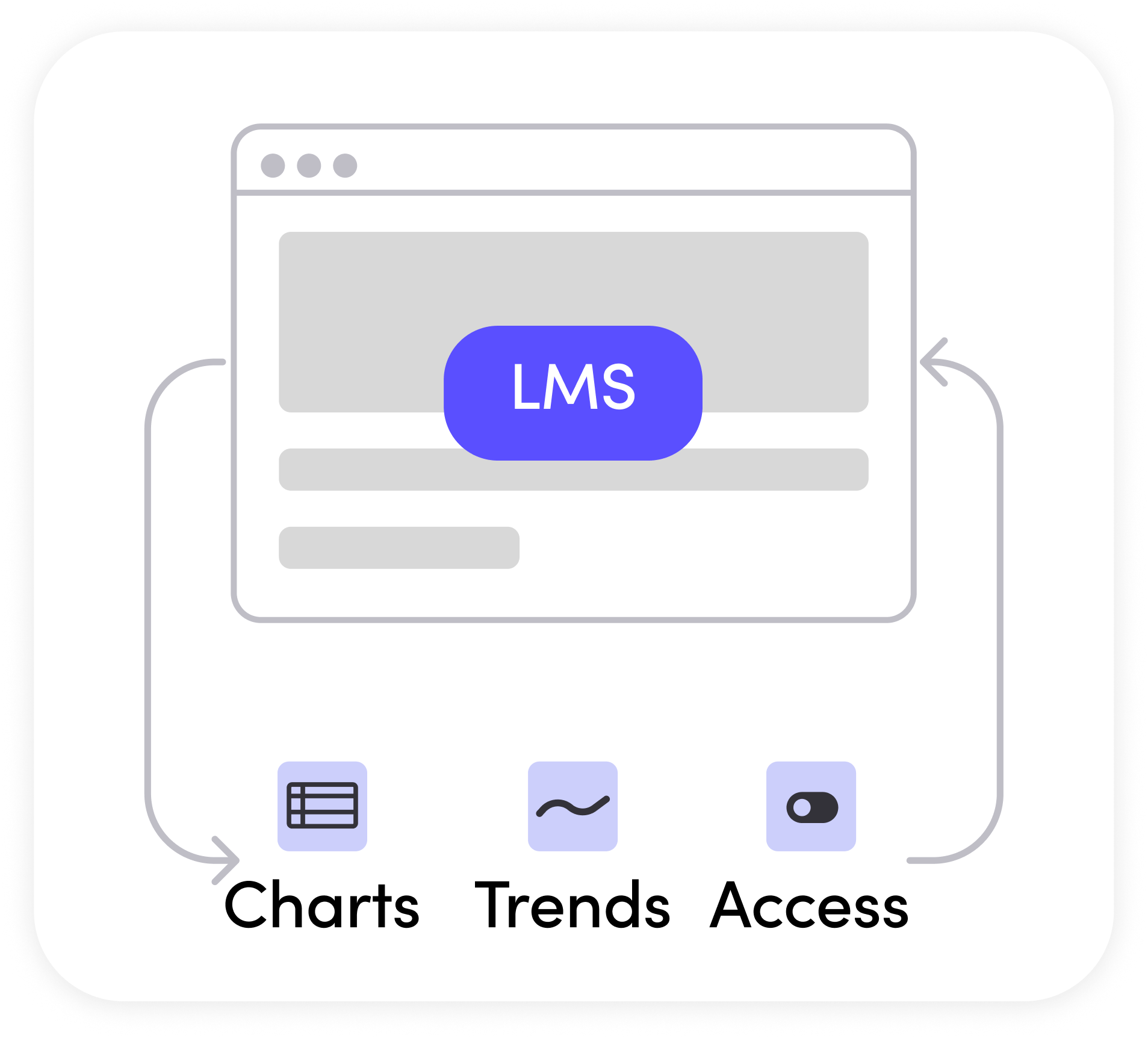
Track instructor and user activity in real time to see usage statistics. Filter by specific sub-accounts, programs, and courses to pinpoint specific user activity.
At TimelyGrader, demonstrating return on investment and accountability in usage of our AI grader is core to our service and our pricing models.
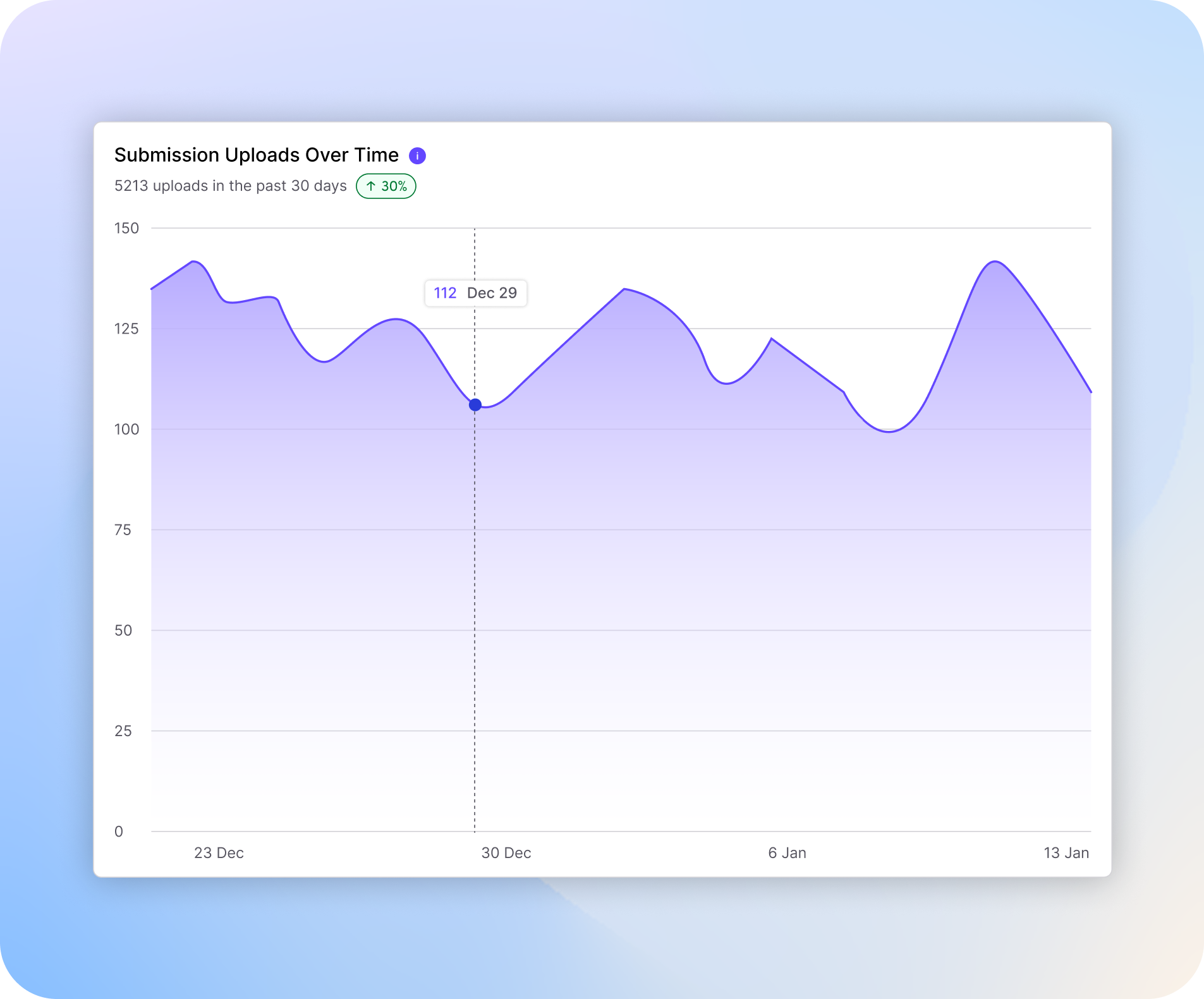
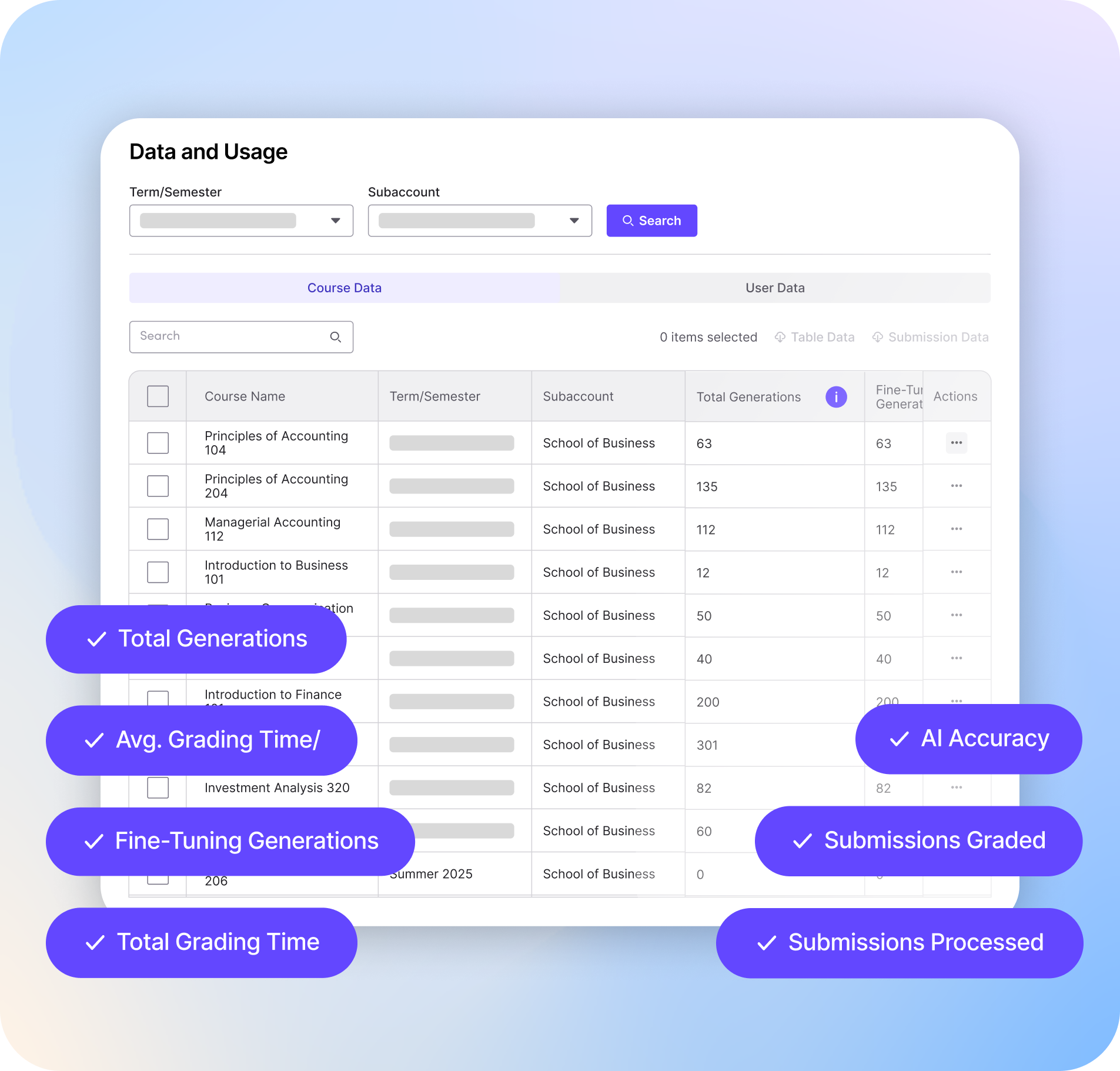
Access to detailed course-level data helps institutions and instructors to identify issues and improve curriculum and reinforce specific student outcomes. All of the data is exportable for departmental reviews and deeper analysis.
Examples of how we assist in analyzing your courses:

Identify specific data at the student and instructor level
Track overall agreement between AI suggestions and instructor adjusted grades
See average grading time saved across the institution
Sync sub-account and structure that mirror your departments, programs, or sections directly from your LMS. Decide which sub-accounts (or even sub sub accounts) can gain access and use TimelyGrader.
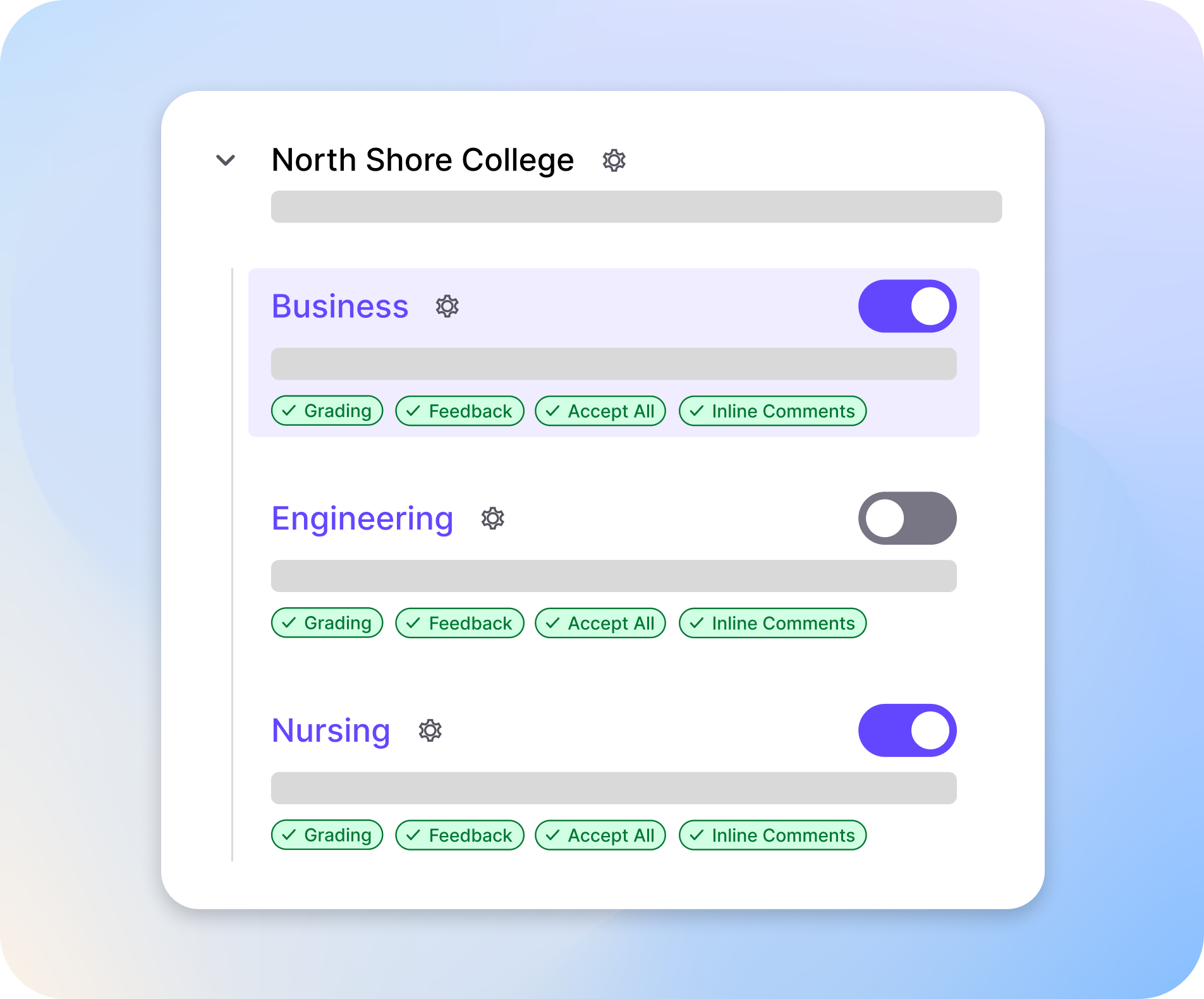
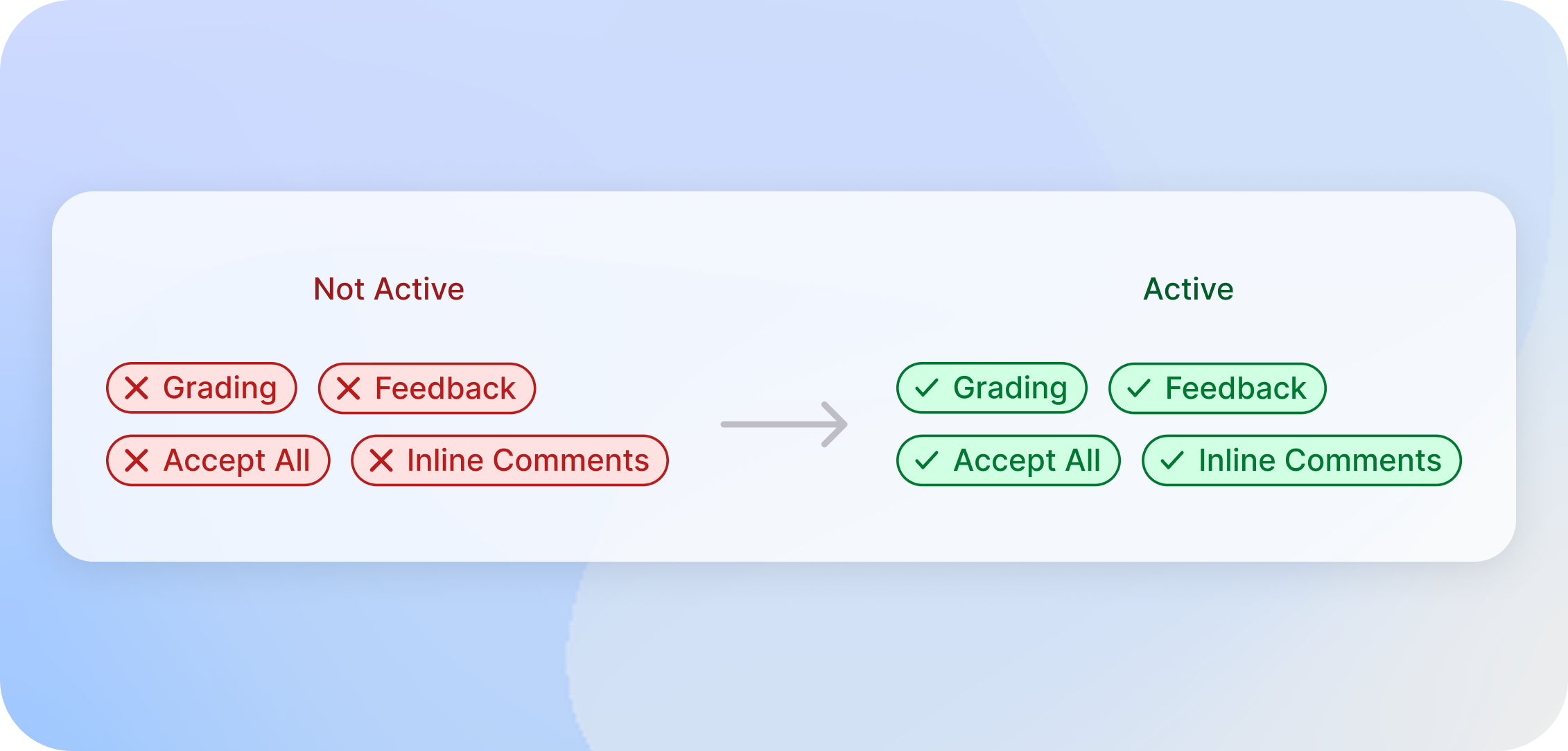
You can set specific feature permissions for select sub-accounts, or across the whole institution, to be inline with your institution’s policies around GenAI use.
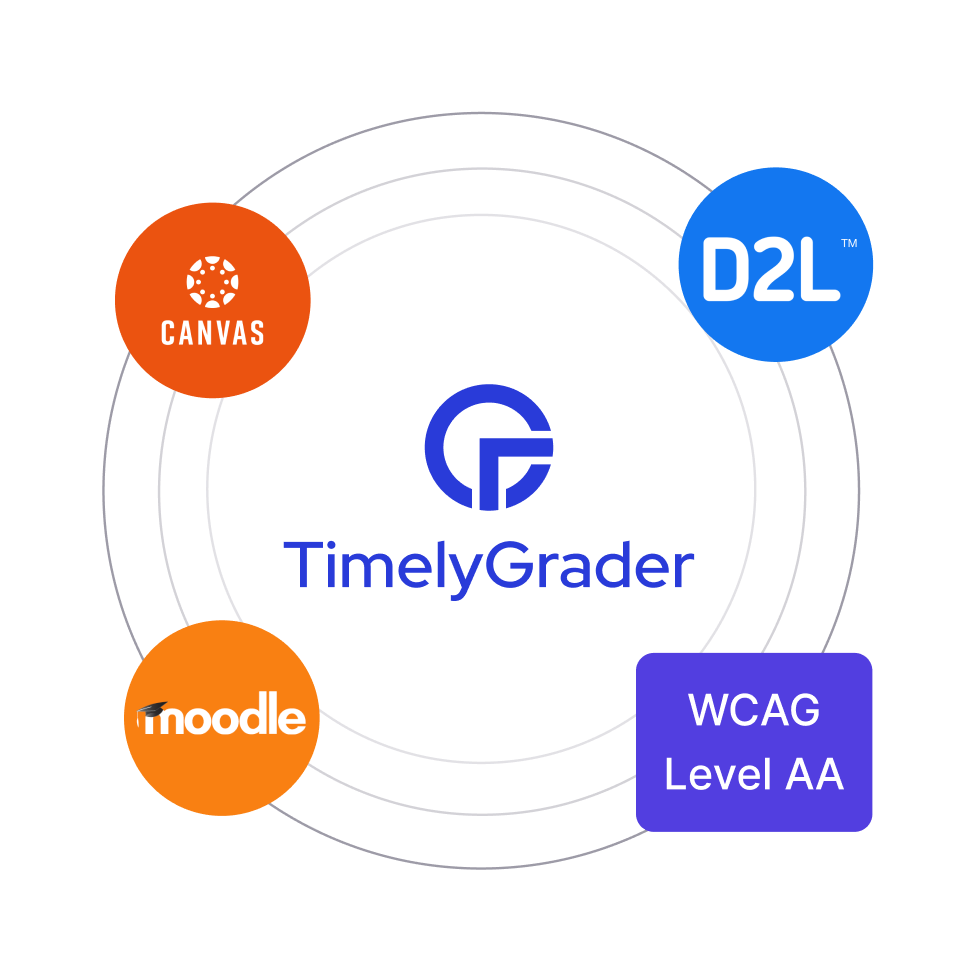
TimelyGrader is integrated with Canvas, D2L, Moodle for a seamless user experience. SOC 2 Type II audited and third party tested for WCAG Level AA. Administrative dashboard offers controls at the institution level.
With TimelyGrader, our AI grader manages the speed and scale, while instructors bring the insight and context. Together, they deliver accurate, meaningful grades and feedback, hitting the bullseye every time!