One of the most common challenges instructors face is:
How can I give students access to my evaluative thinking when I am not available?
This matters because meaningful feedback goes beyond correcting writing mechanics, factual errors, or formatting issues. The real challenge is helping students understand the subjective elements of their work: the areas that require professional judgment, domain expertise, and the instructor’s own unique approach to evaluation.
The good news is that you have already taught TimelyGrader how you assess these assignments. Now, you can give students access to that same evaluative thinking, allowing them to receive feedback on the aspects of their work that matter most, not just the mechanics of writing.
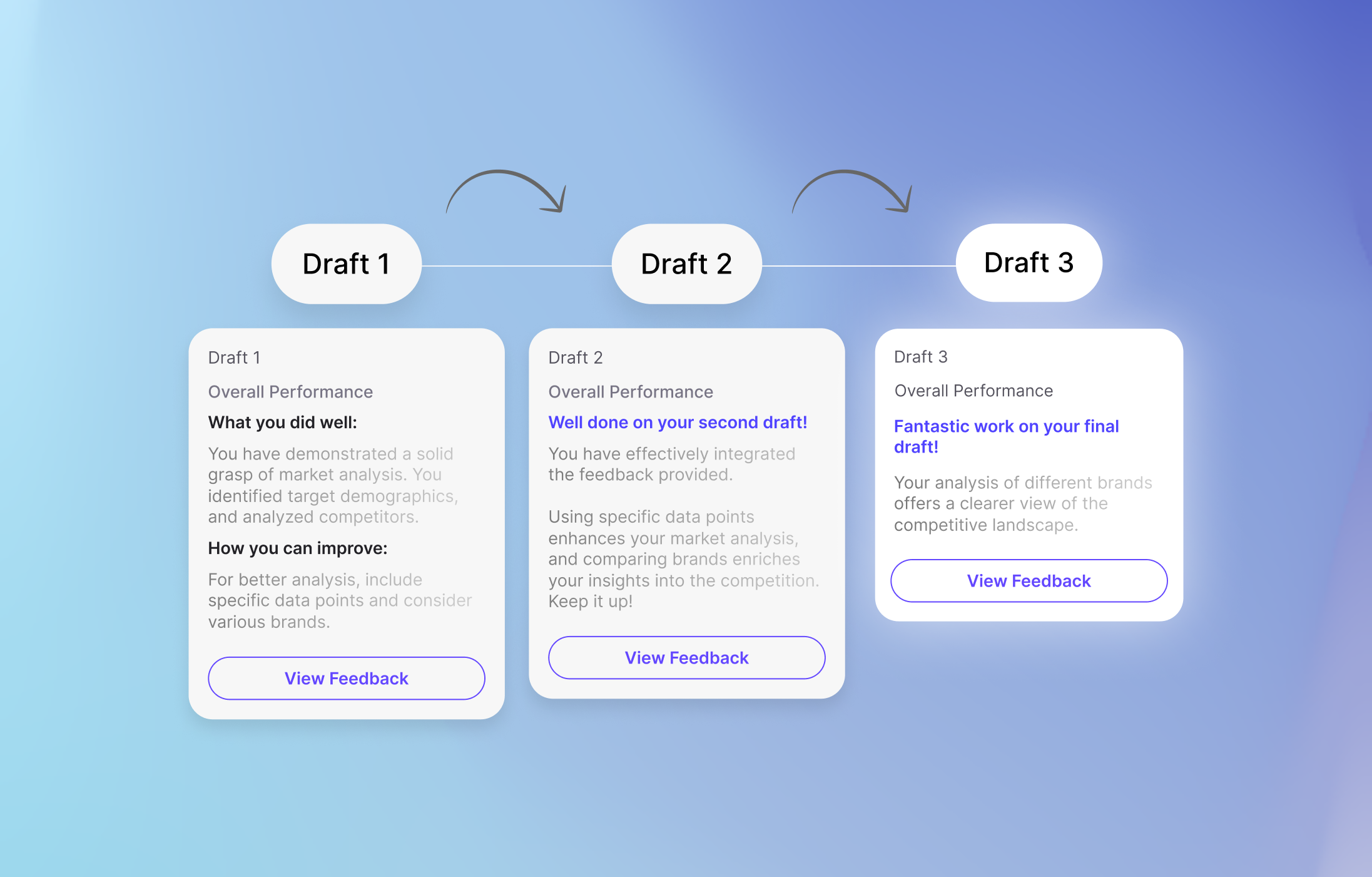
As a refresher, Formative Feedback for Students allows students to:
Here is our Chief Learning Officer, Rob Peregoodoff, with a in-depth walkthrough on how students can access TimelyGrader through Canvas and use the Formative Feedback for Students feature.
Also a reminder that Hugo Bot will be launching this Thursday, August 6th, at 4PM PST for instructors!