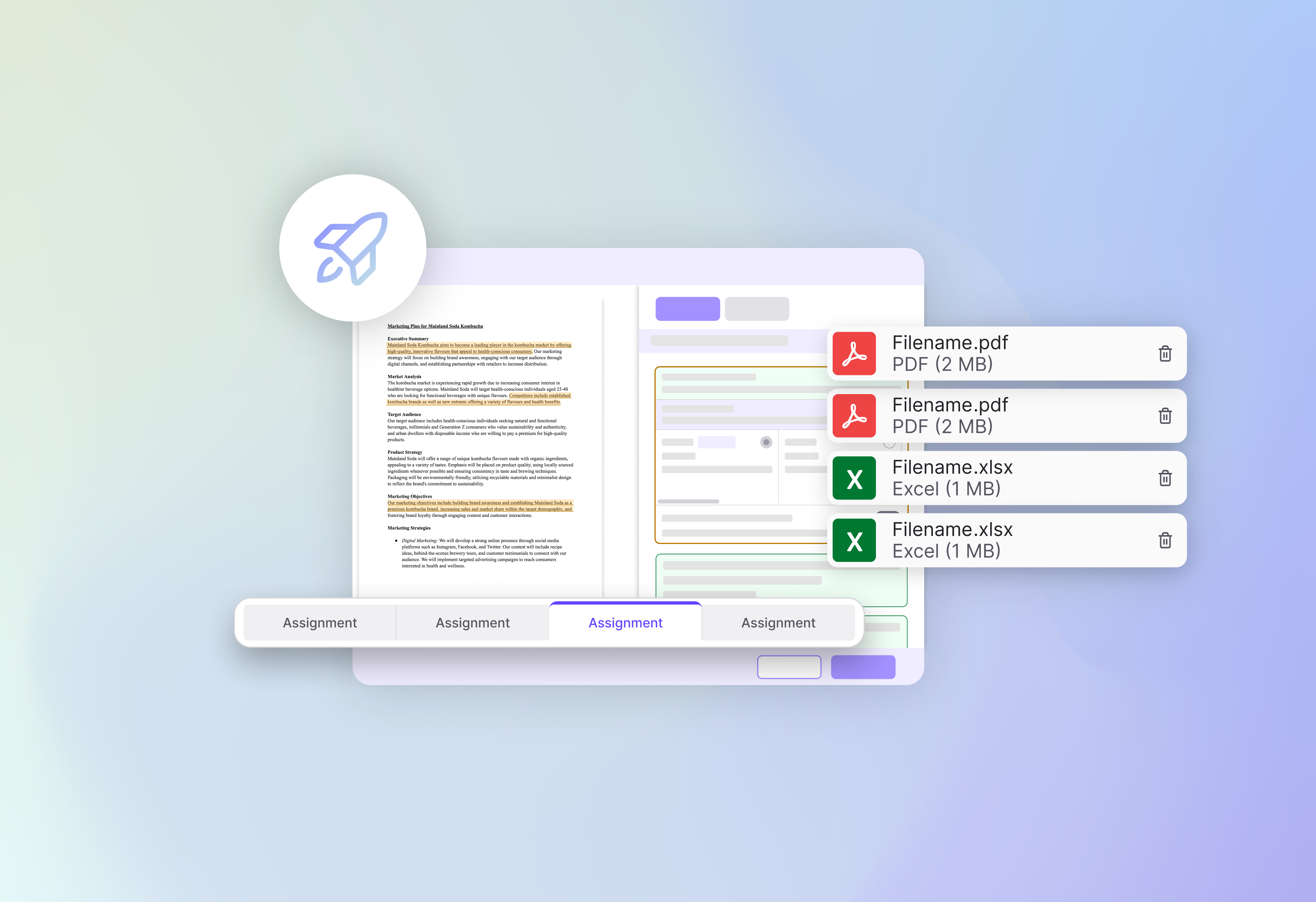
Over the past few months, we’ve continued to improve how instructors and students work with assignments and courses. With the introduction of Multiple File Submissions, you now have more flexibility in how assignments are submitted and graded.
Assignments aren’t always just one file, and now they don’t have to be!
Students can now submit multiple files to a single assignment. Whether it’s a combination of documents, spreadsheets, slides, or videos, everything can be uploaded together in one place.
This makes it easier to handle:
On the grading side, all submitted files are grouped and organized for a single review experience, so no more jumping between separated assignments.
We will also detect which files we cannot support so there is no guessing game when imported files don’t match actual student submissions.


There’s another workflow for setting up your course. Instead of searching through the original dropdown list, you can now import a course by entering its Course ID.
This is especially important if you have LOTS of courses. In rare cases when you have many courses (if you are the course design lead, etc), our system will produce an error and tell you to import the course using Course ID.

Where can you find for your Course ID?
Enjoy the new grading experience, Multiple File Submissions, will be available starting Monday, April 6th at 4:00 PM PST.