
Signing up is quick and easy. Follow these steps to get started:
1. Go to the Sign Up Page
Follow this link to go to TimelyGrader's sign-up page: https://app.timelygrader.ai/us/app/sign-up
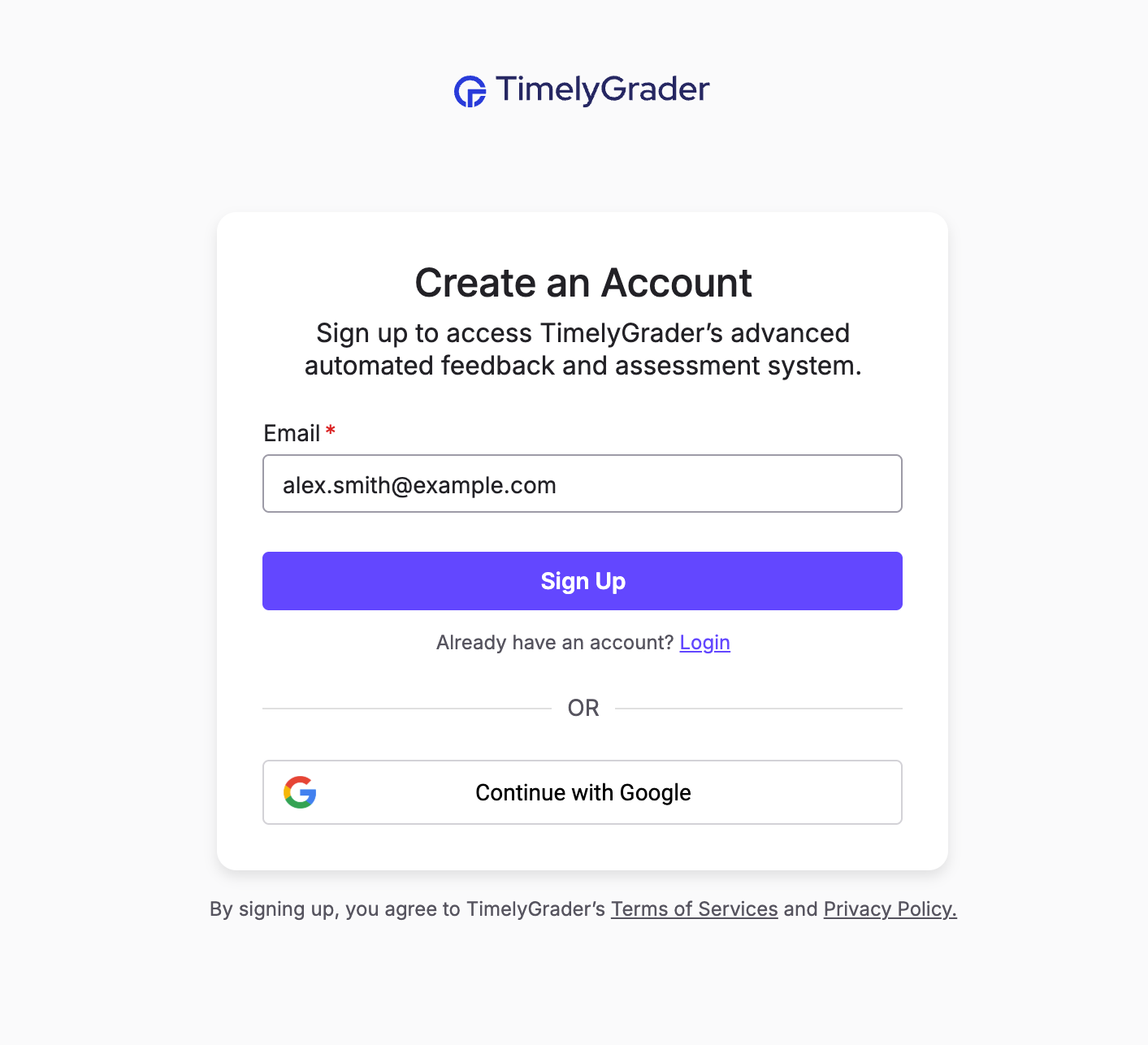
2. Choose How You'd Like to Sign Up
You have two options:
💡 Tip: Signing up with Google skips the email verification step and makes it faster to get started.
3. Verify Your Email (Email Sign Up Only)
Check your inbox for a confirmation email and click the verification link.
4. Complete Your Profile
After verifying your email or connecting your Google account, you’ll be prompted to enter:
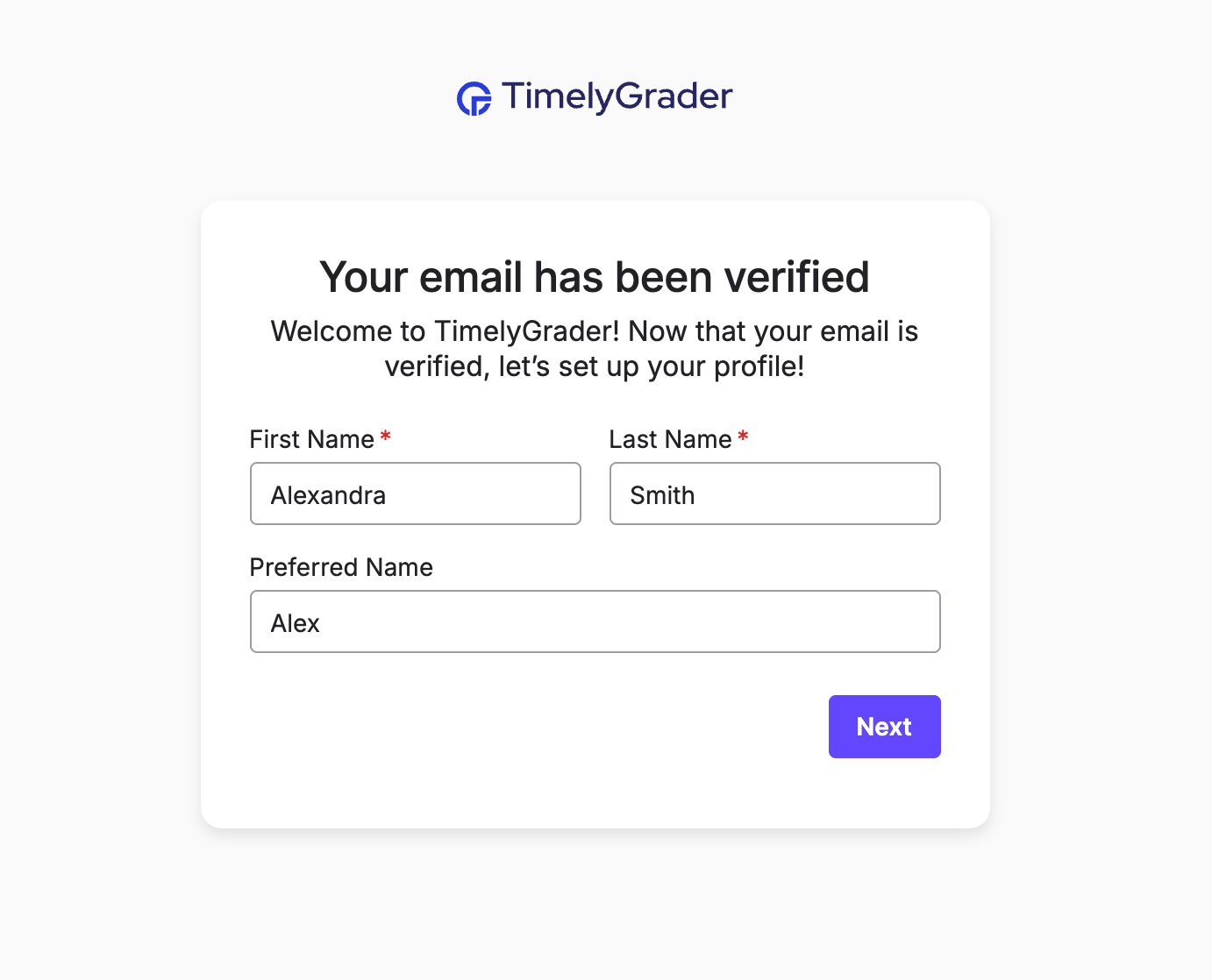
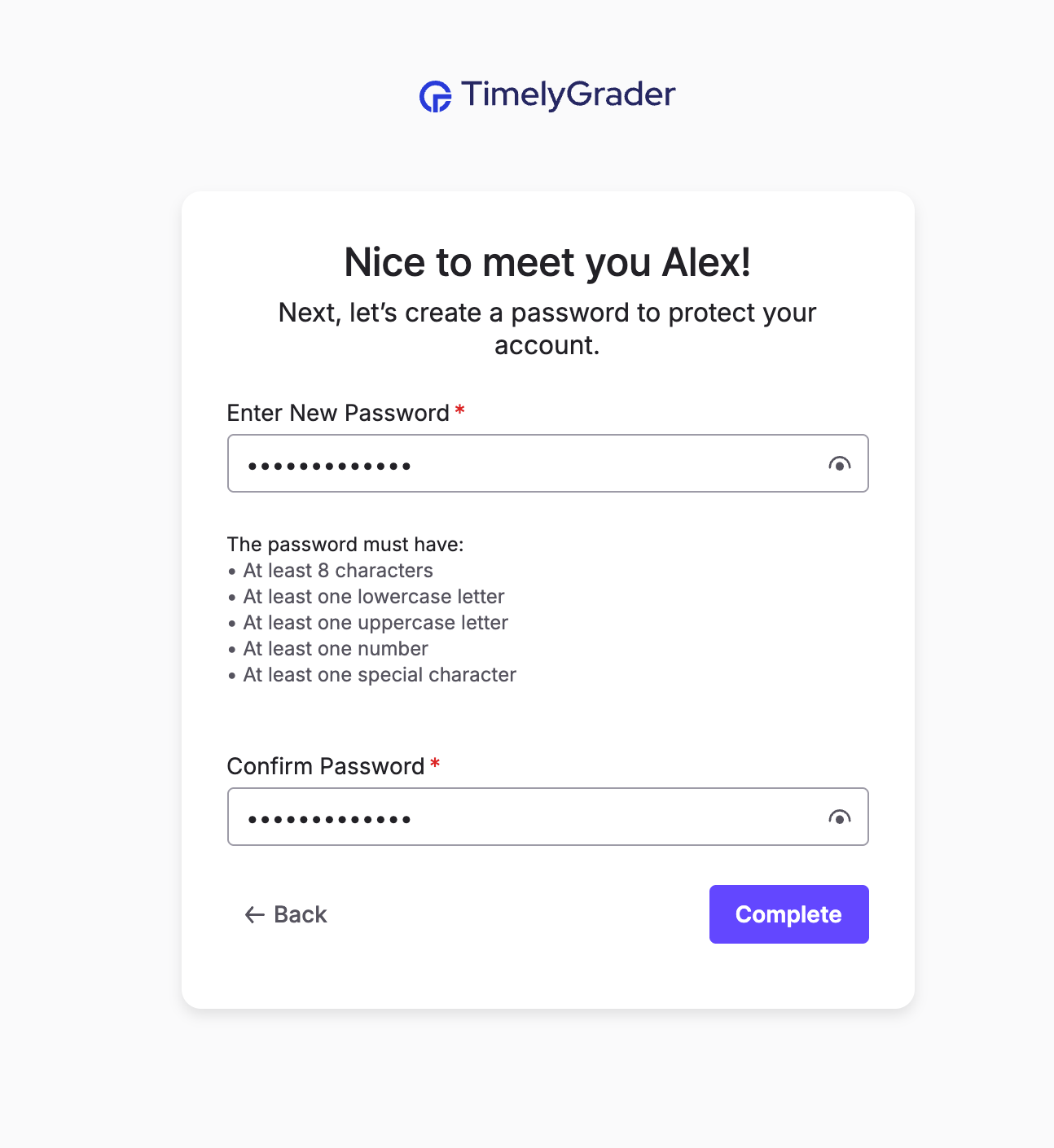
If you signed up with an email, you’ll also be prompted to create a password. Make sure it meets the listed requirements. Once you've entered the necessary information, click Complete.
5. Starting Using TimelyGrader
You're all set to start exploring TimelyGrader!
When you create a new account, you’ll automatically begin a 14-day free trial of all paid features, no credit card required. This gives you a chance to see how everything works.
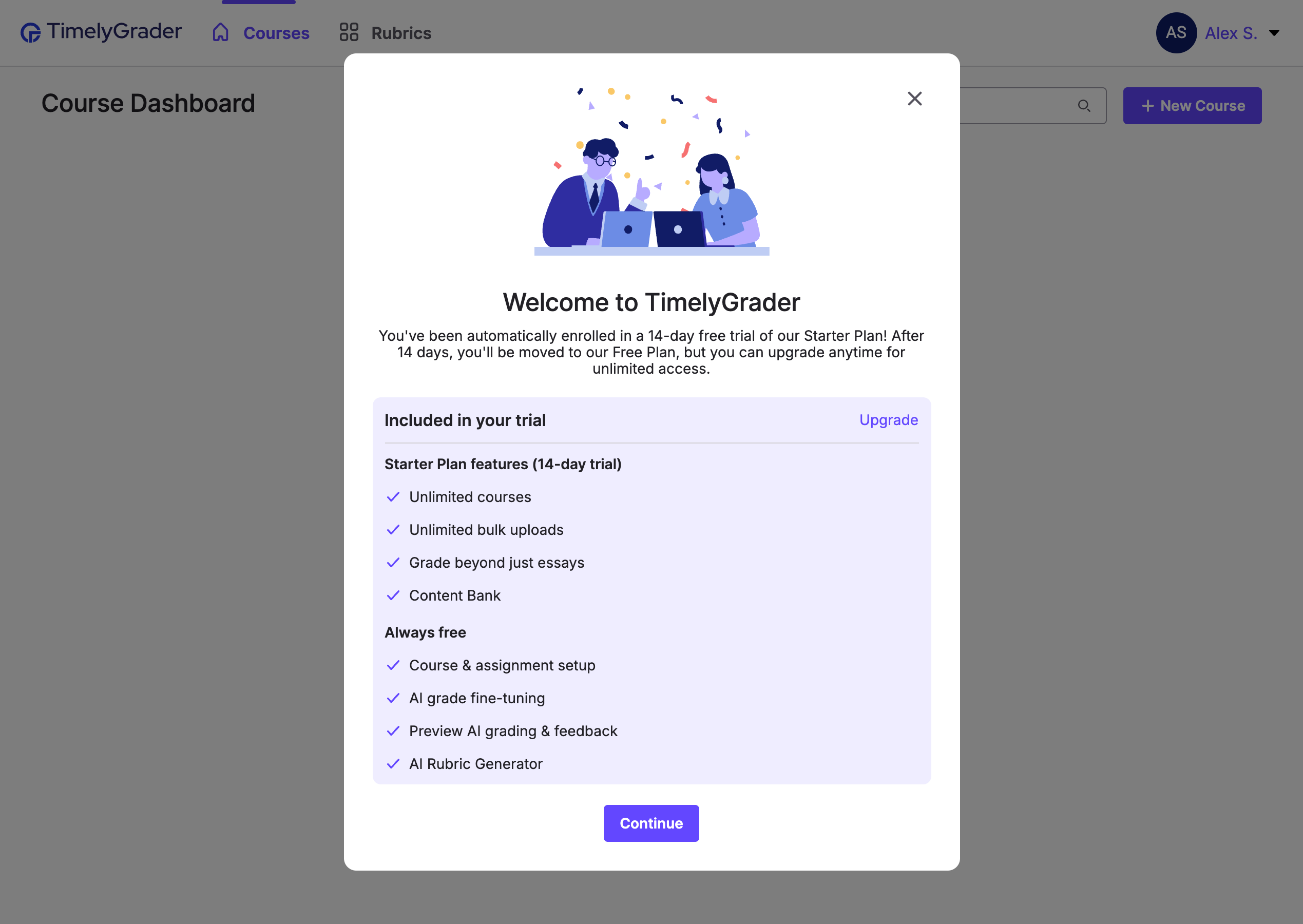
You can upgrade to a paid plan at any time. You can visit our pricing page to learn more about our plan options.
If you don’t upgrade by the end of your trial, your account will automatically switch to the Free Plan after 14 days.