
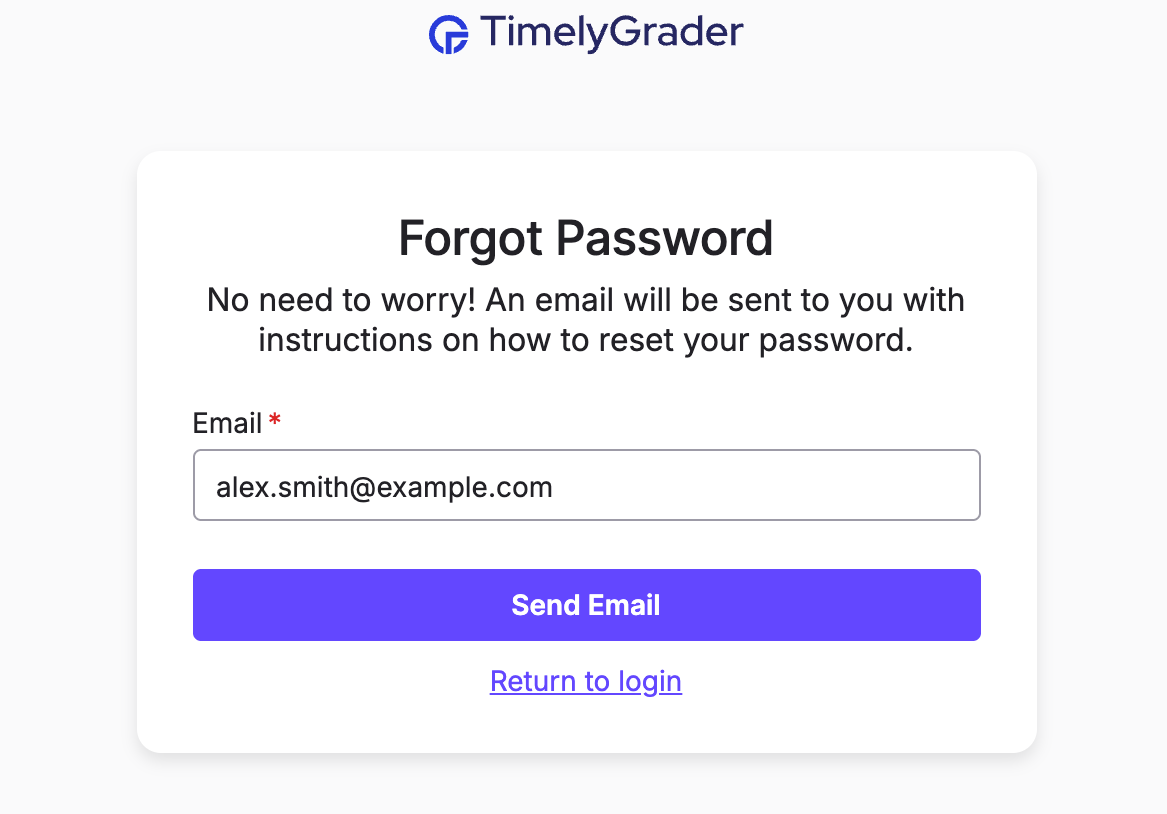
4. Check your inbox for an email from TimelyGrader with a password reset link. Please allow up to 5 minutes for this email to arrive!
💡 Didn't get the email? Please check your spam folder and double-check that you have entered the correct email address.
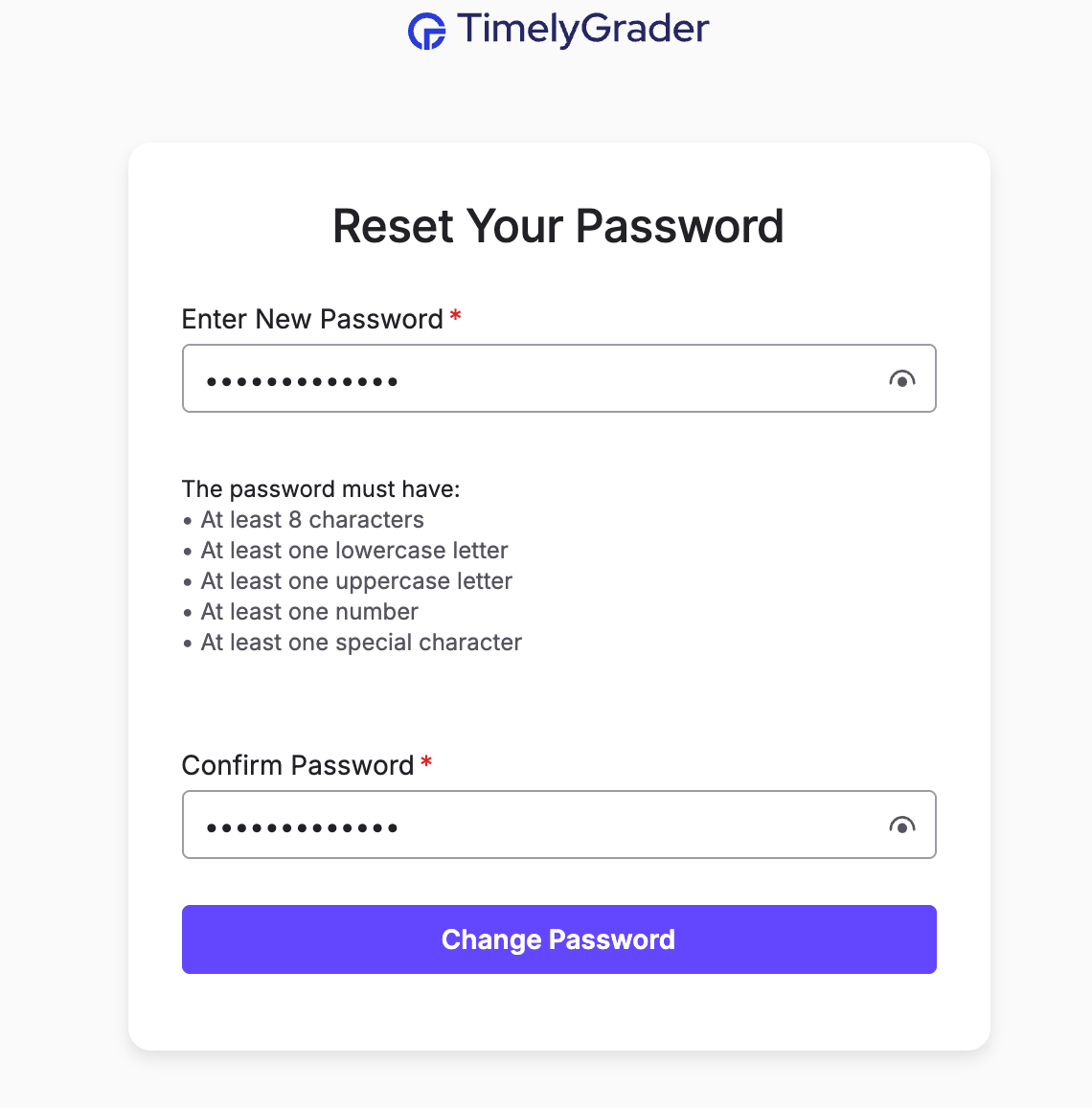
5. Click the "Reset Password" button in the email, and enter a new password when prompted. You'll now be able to log in with your new password.
💡 Forgot your Google password? You’ll need to update it directly through Google before logging in to TimelyGrader.
If you're stuck or unsure how you signed up, reach out to our support team at support@timelygrader.com, and we’ll be happy to help.