Creating a course is the first step to organizing assignments and student submissions. Here’s how to set one up:
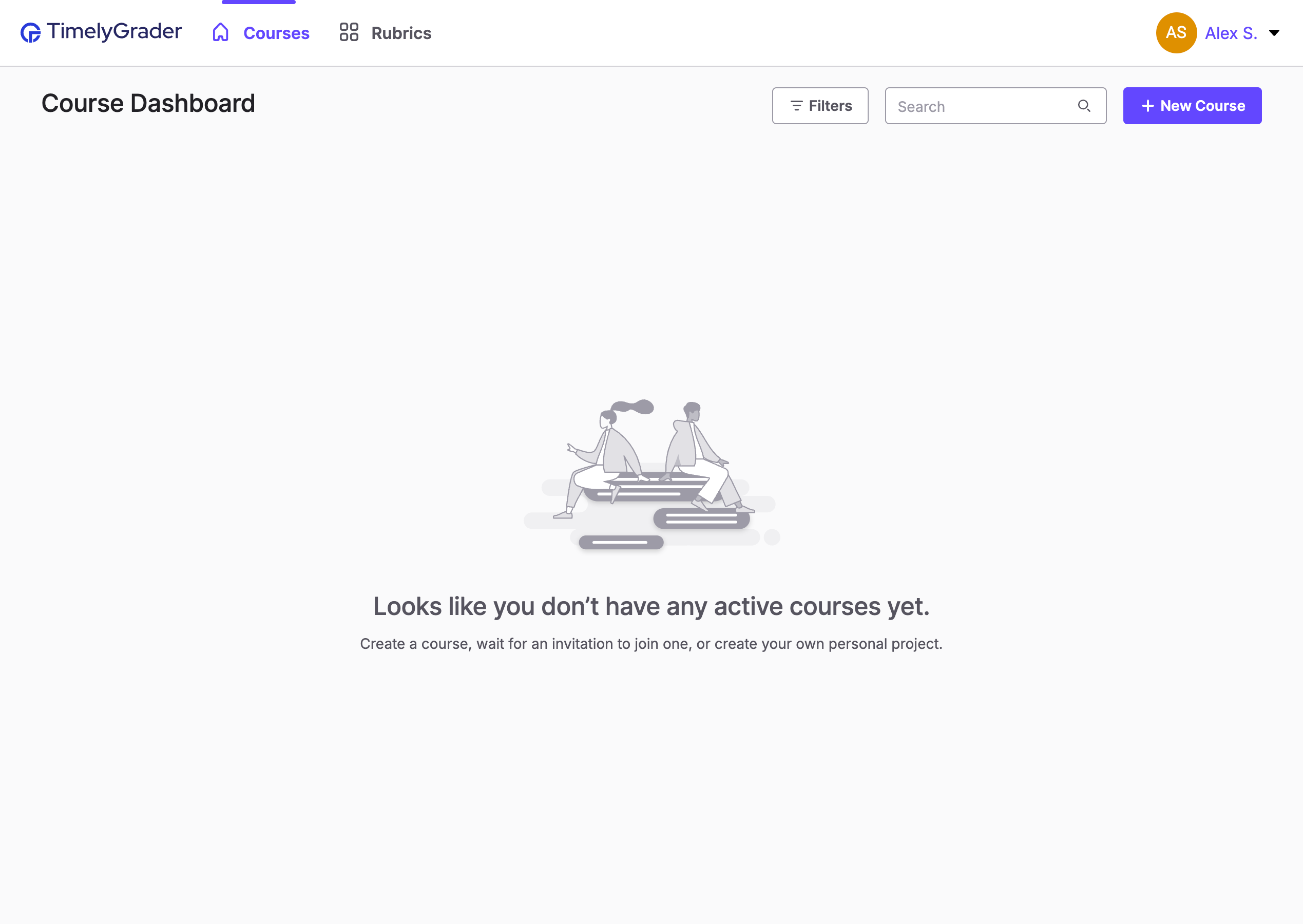
Once you've signed up/logged in, you'll land on your course dashboard. From the dashboard, click the "+ New Course" button.
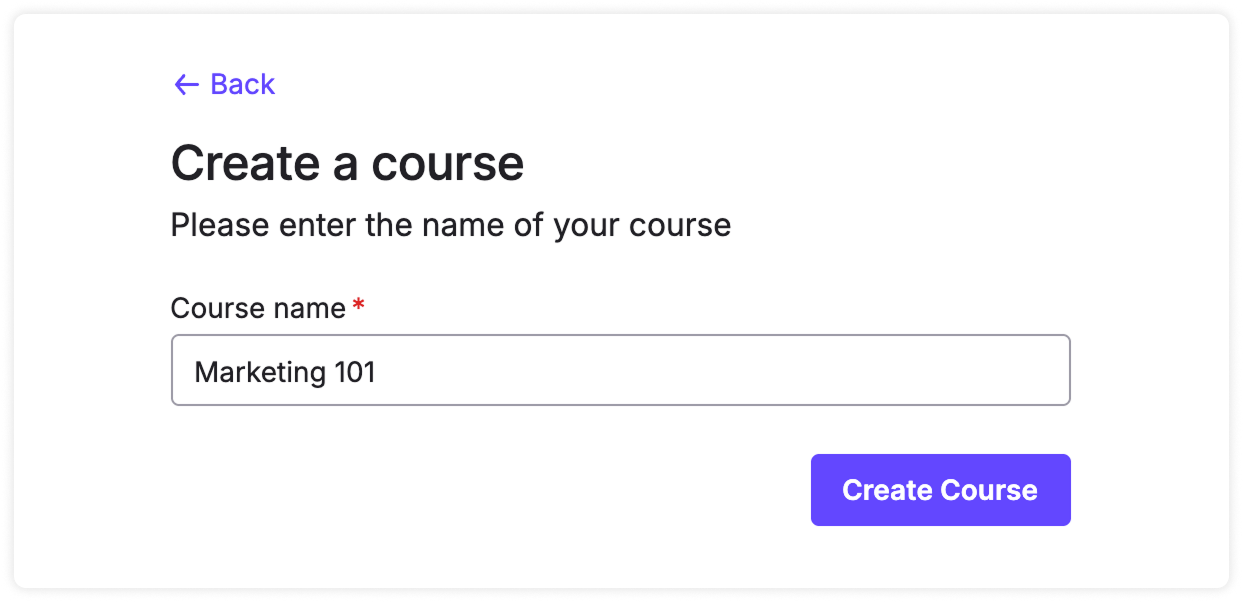
Enter the name of your course and click "Create Course" to finish setting it up.
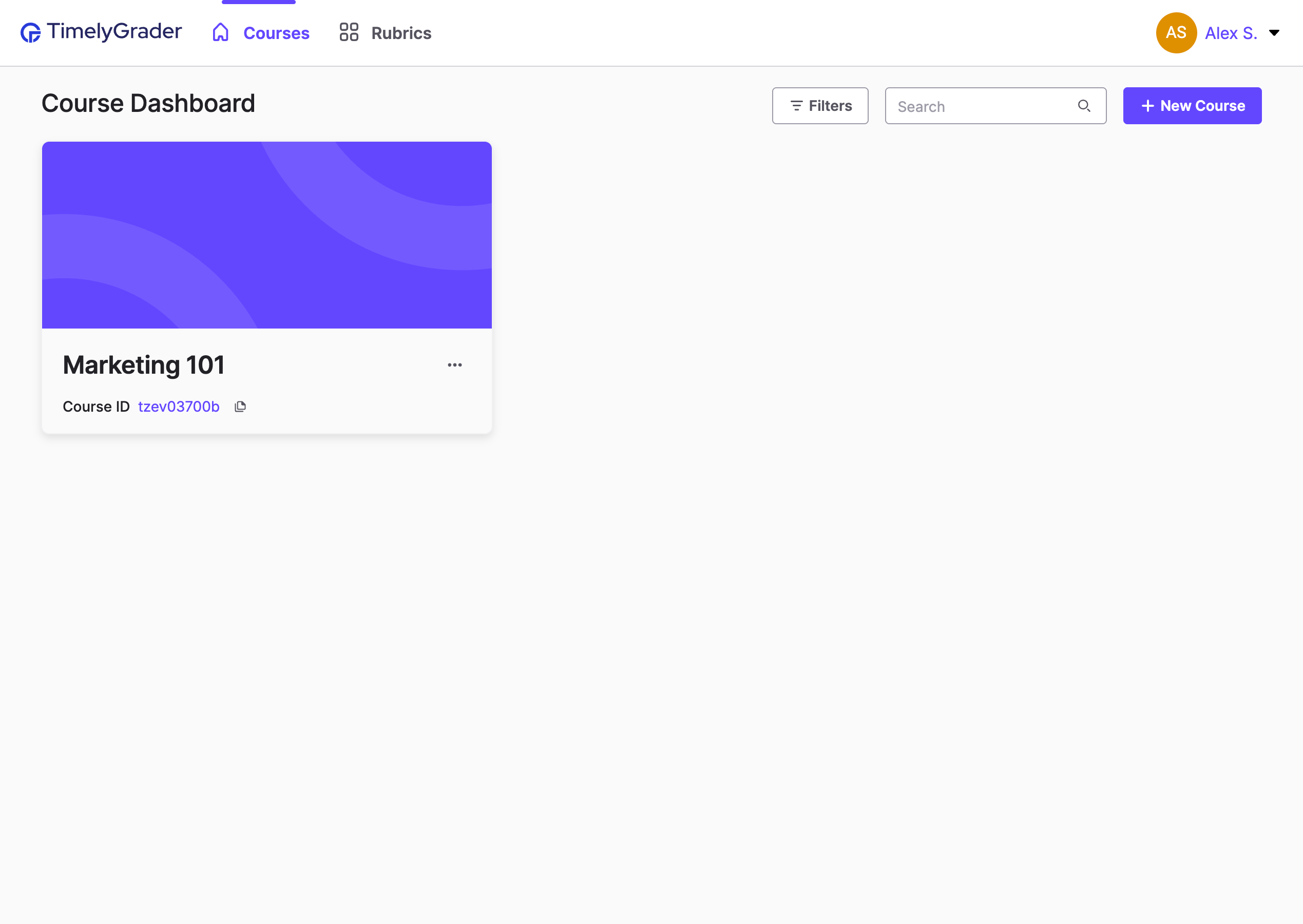
Click on the course card to enter the course.
Once inside your course, you can create assignments, invite other instructors, and manage course settings.
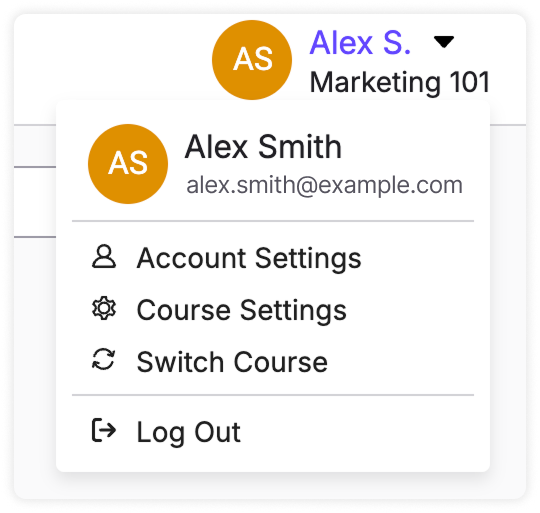
💡 To return to the course dashboard: Click “Switch Course” from the profile dropdown in the top-right corner of the screen.