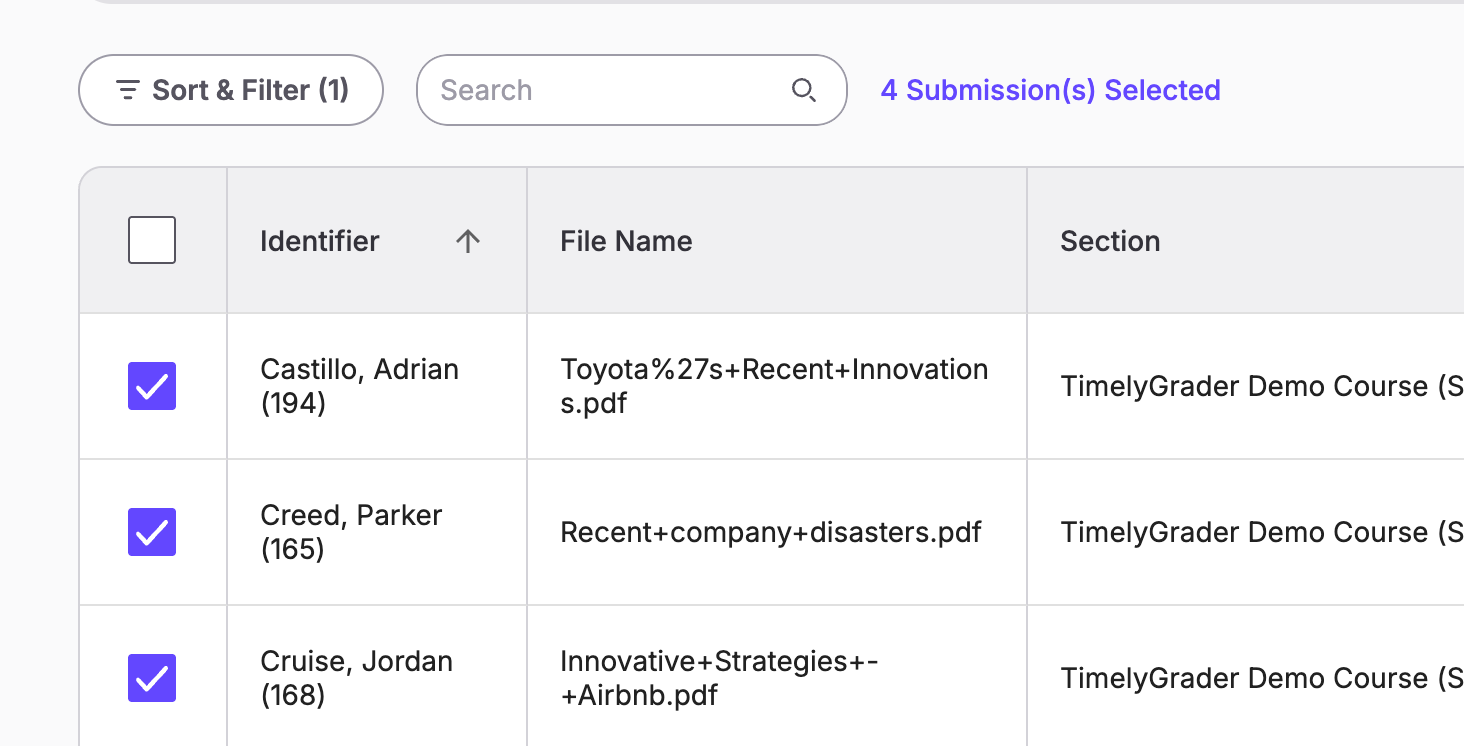
There are essentially three scenarios involving students creating a new submission to an existing assignment. We will go through each scenario so you can have peace of mind that TimelyGrader has designed a solution for this complexity.
Scenario #1: A student has submitted a new submission when their previous submission has NOT been imported to TimelyGrader.
This is the simplest scenario. In this case, TimelyGrader will simply import the newest submission with all the newest files in the submission. This can be a common occurrence when students mistakenly upload the wrong files or missed a particular file in their submission.
To pushback grades, simply use the ‘Push Missing Entries’ function since grades have not been pushed back yet.
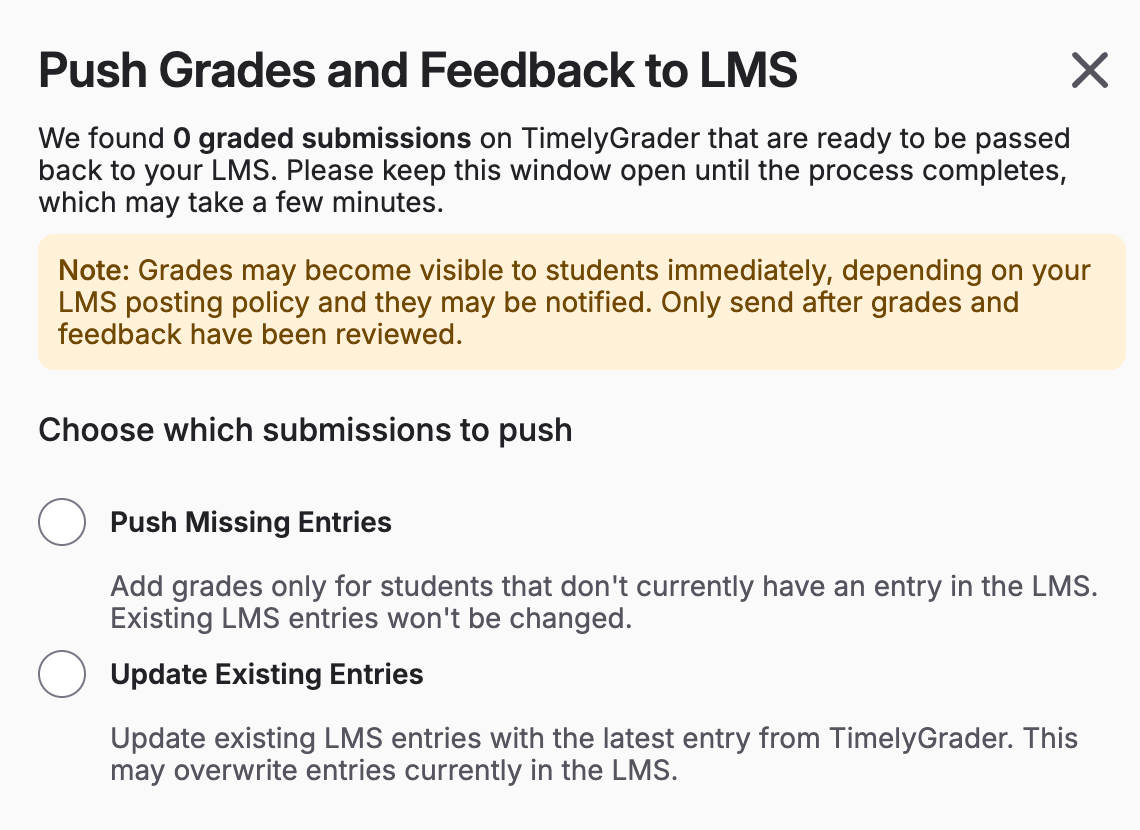
💡Note: If you are asking students to submit a missing file without uploading the other files in the submission, TimelyGrader will only import the files from the newest submission.
Scenario #2: A student has submitted a new submission when their previous submission HAS been imported to TimelyGrader but NOT graded.
If students create a new submission AFTER TimelyGrader has imported their previous submission that is not graded, we will replace the student’s existing submission on TimelyGrader with the new submission. This means that instructors will be grading once with the most up to date submission.
In this scenario, the grade and feedback that is being pushed back will be the most up to date since it is the newest submission that is being graded. You will also be using the ‘Push Missing Entries’ function.
Scenario #3: A student has submitted a new submission when their previous submission HAS been imported to TimelyGrader and it has been graded.
This is the most complex scenario but can occur when an instructor gives students another opportunity to get a better grade with an improved submission.
For example, a student A created submission #1 which has been imported and graded on TimelyGrader. Then, student A creates submission #2 which the instructor imports using ‘Import Additional Submissions’, TimelyGrader will import that new submission and ask the instructor to review and grade again.
The corresponding grades and feedback will replace the entries for that student on TimelyGrader.
This then branch into two mini-scenarios for the grade pushback:
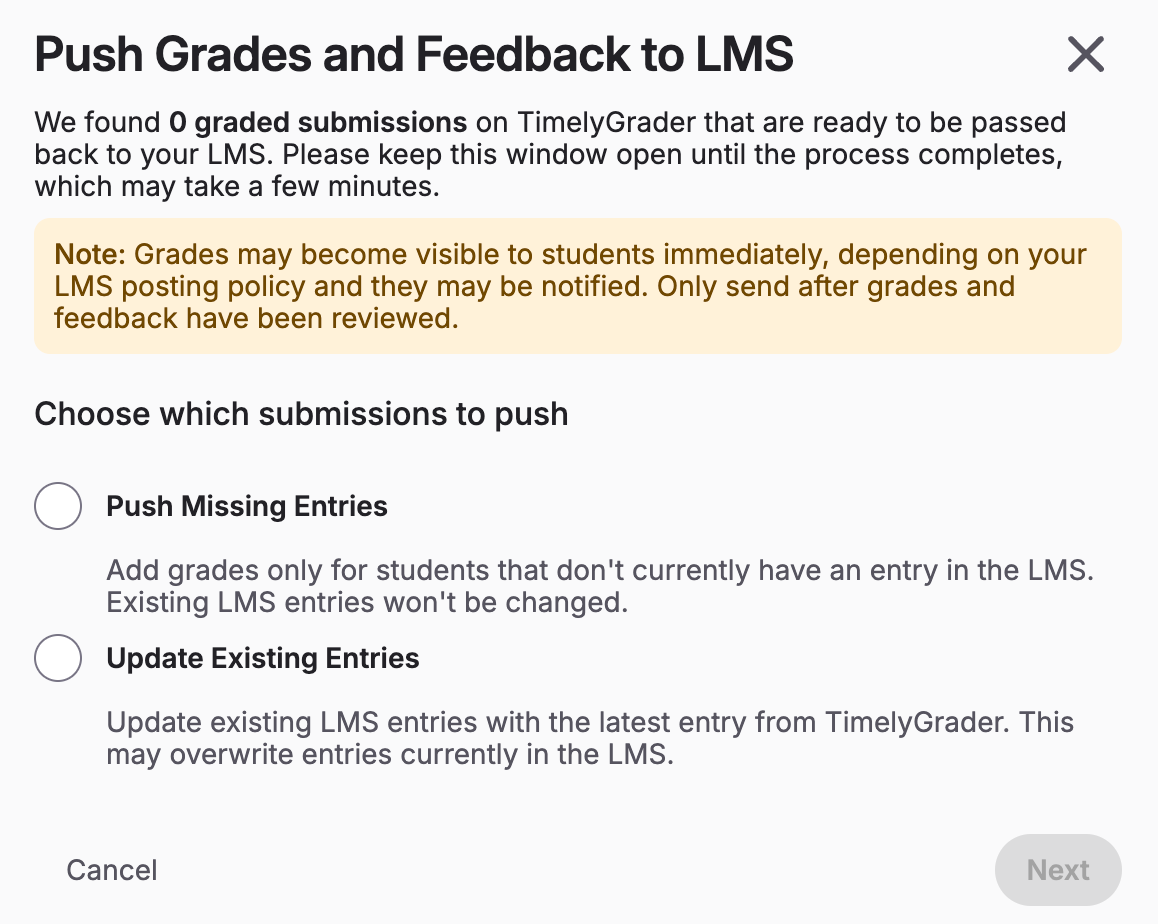
💡Note: Instructors can multi-select many students who needs their grade entries to be updated. It does not need to be done one at a time.