We are ramping up our speed of updates - this one is packed! This round is focused on helping you spend less time setting up assignments and give you more control over grading and personalized feedback.
Assignment roll-over now available
Reuse settings from existing assignments without starting from scratch. This is our first step toward supporting Blueprint courses in Canvas and Course Templates in D2L.
There are two ways to find an assignment:
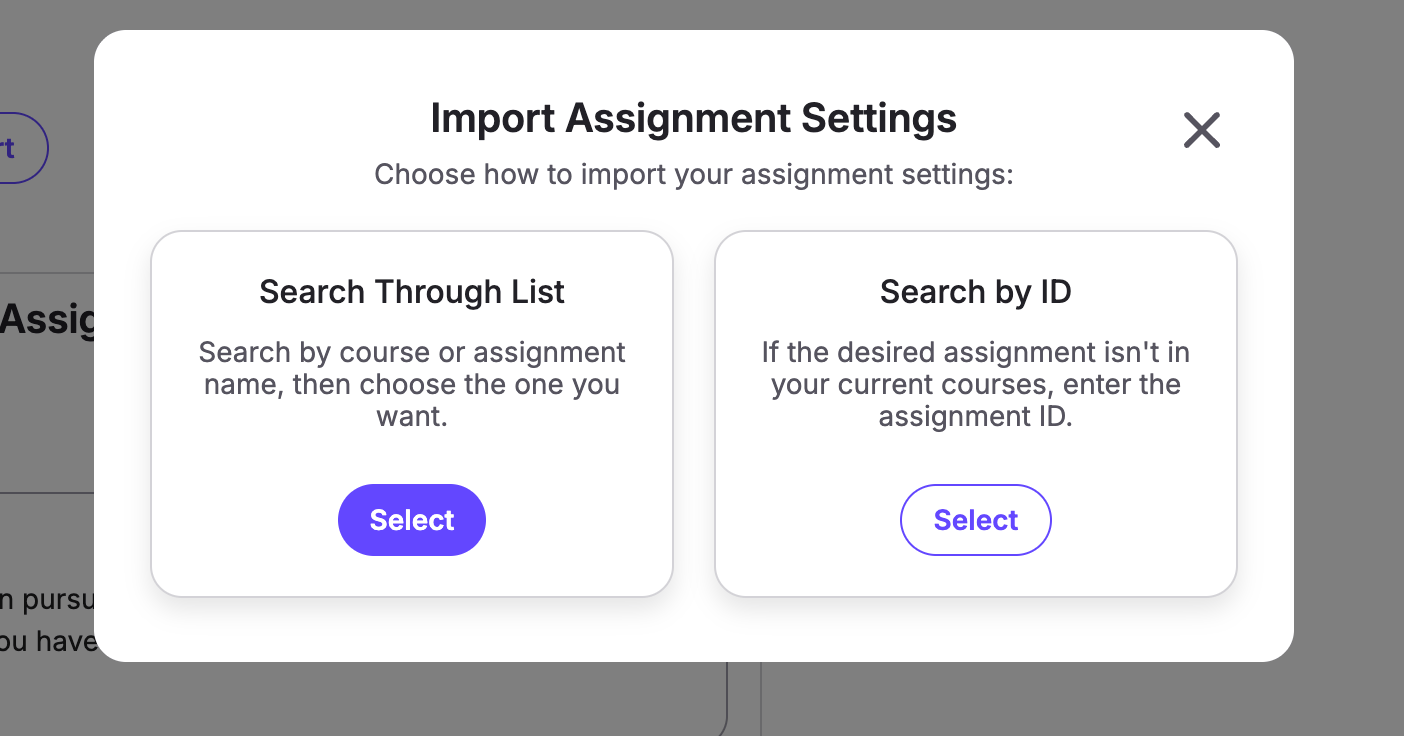
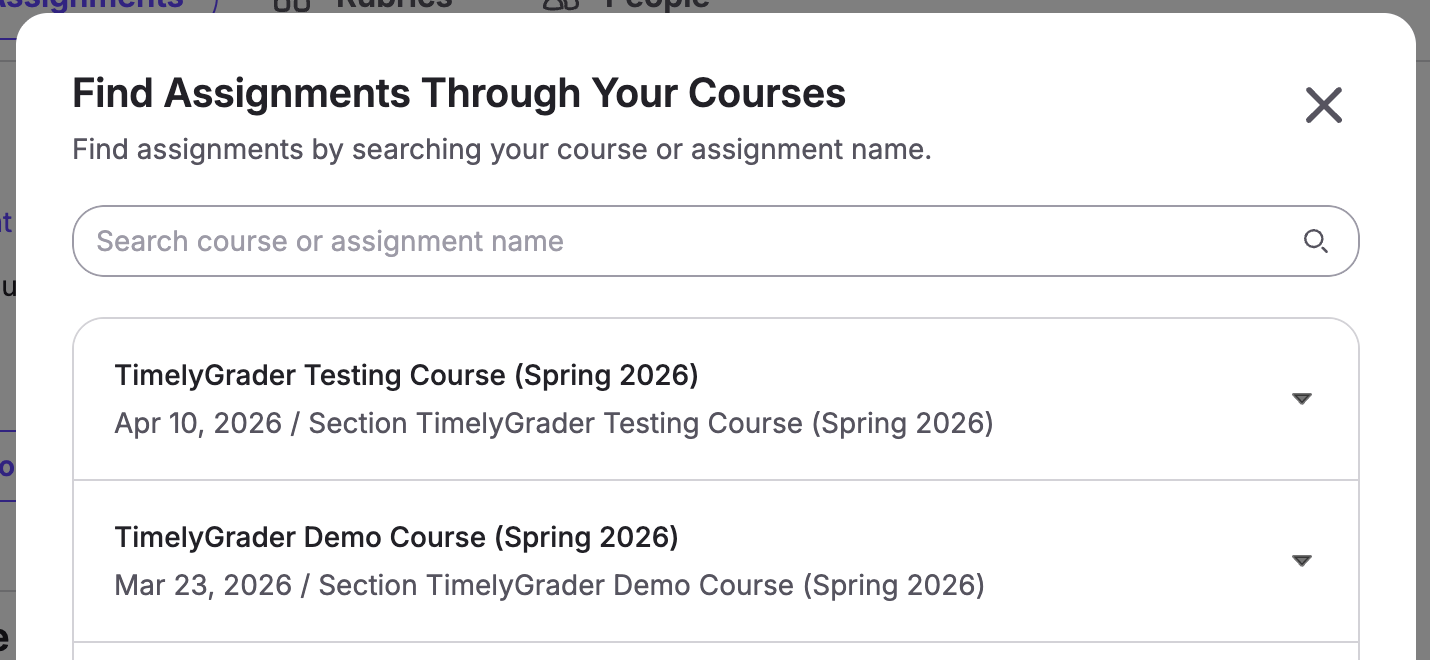
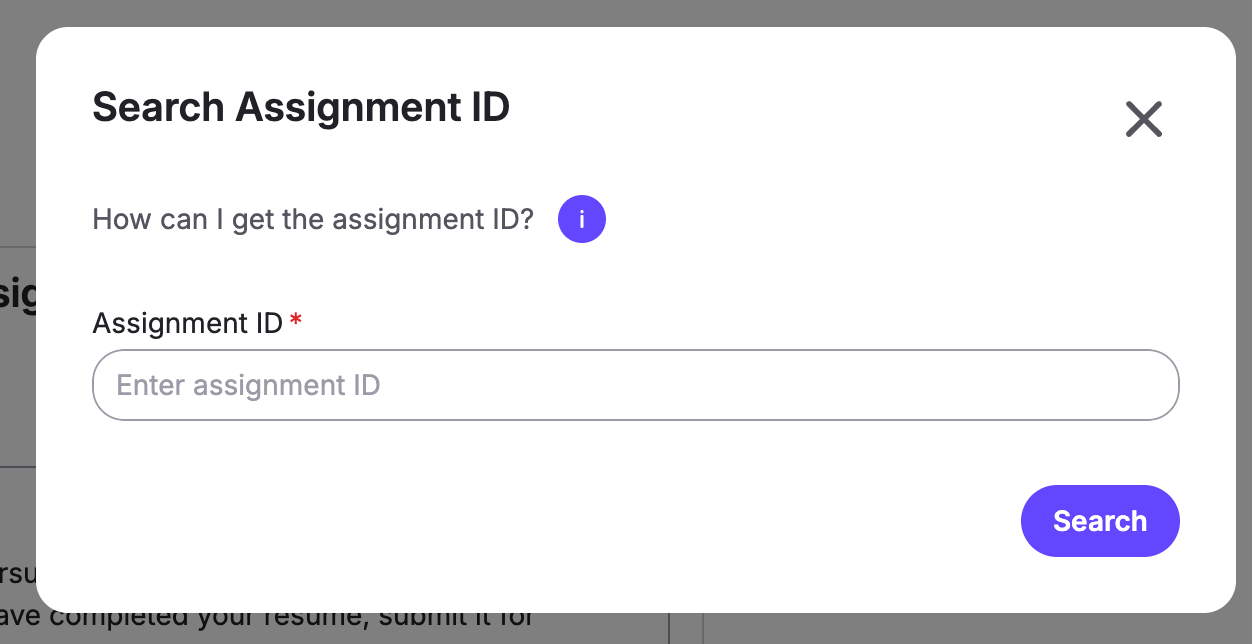
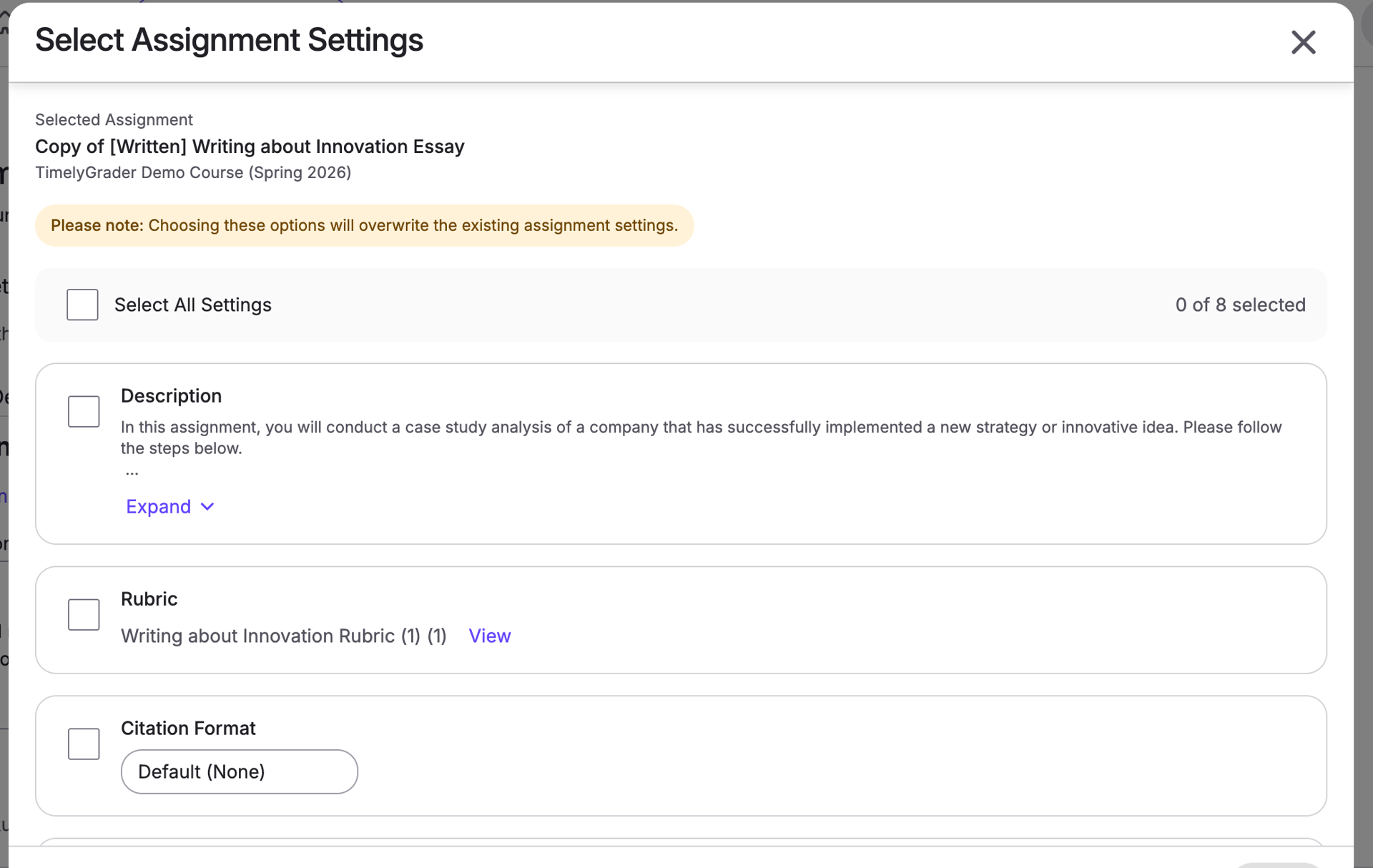
Assignment roll-over saves setup time and helps programs maintain consistency across rubrics, grading, and feedback styles. Future support for Blueprints and Course Templates will build on this foundation to automate the process.
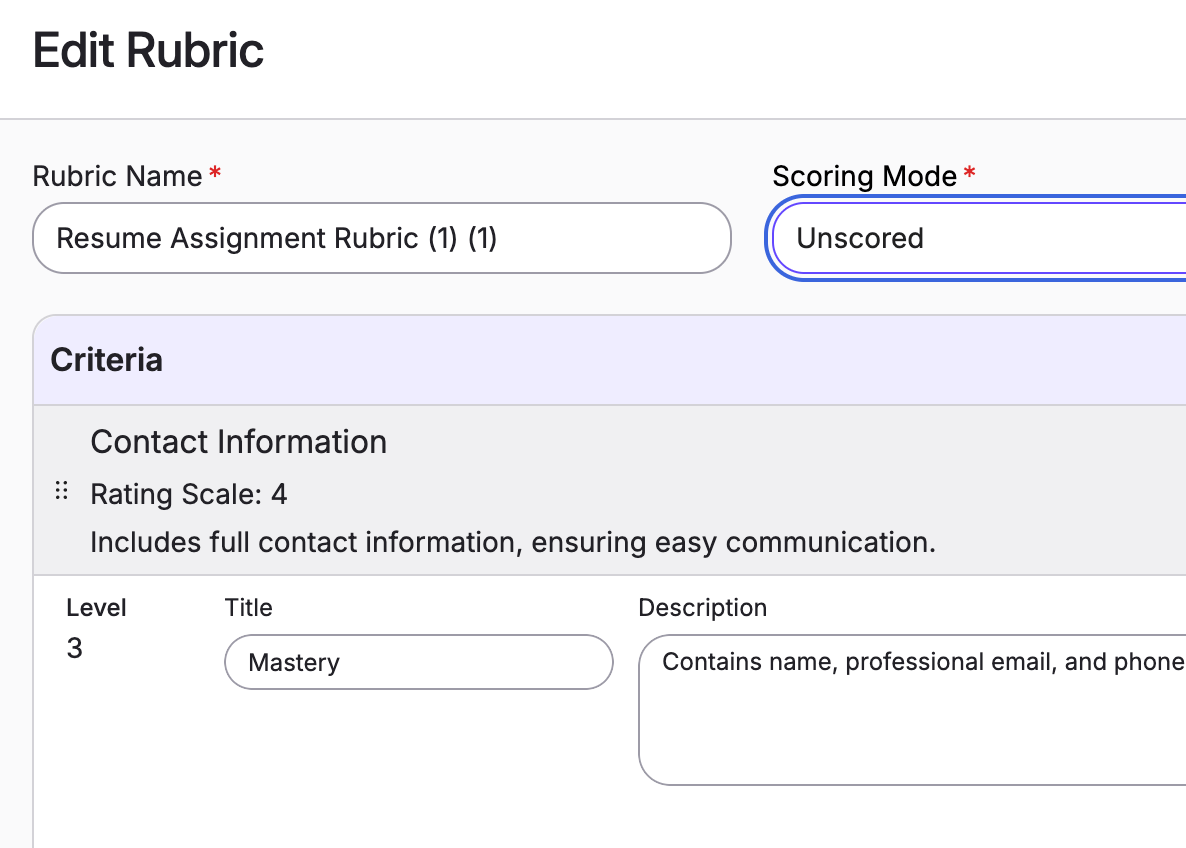
Unscored Rubrics
Focus on learning without assigning numerical scores. TimelyGrader now supports importing unscored rubrics from Canvas and D2L, with pushback supported in Canvas only.
You can also create unscored rubrics in TimelyGrader and switch between scored and unscored formats.
A special thanks to our ASU faculty for this idea!
Smarter Feedback Regeneration & Workflow
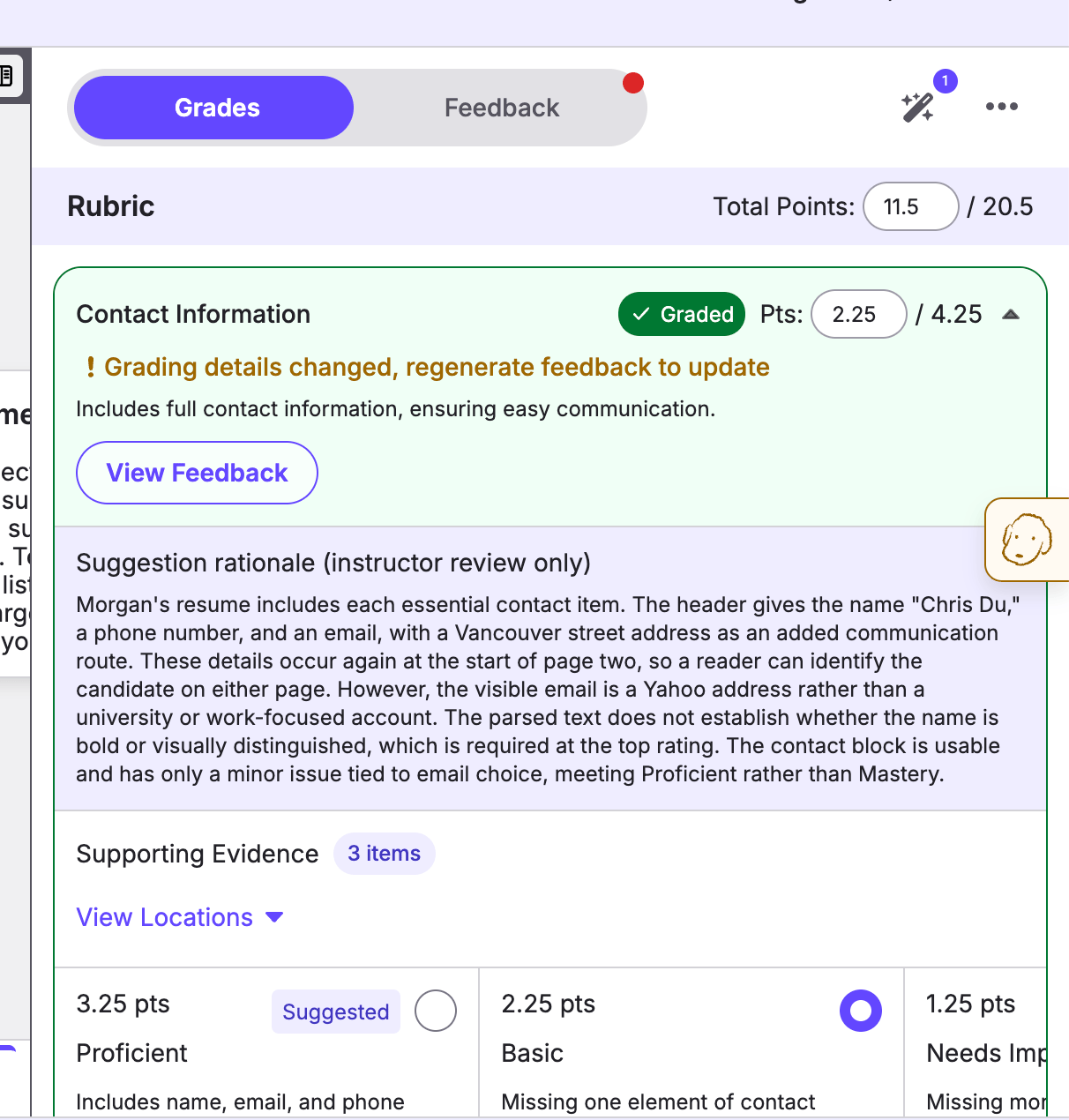
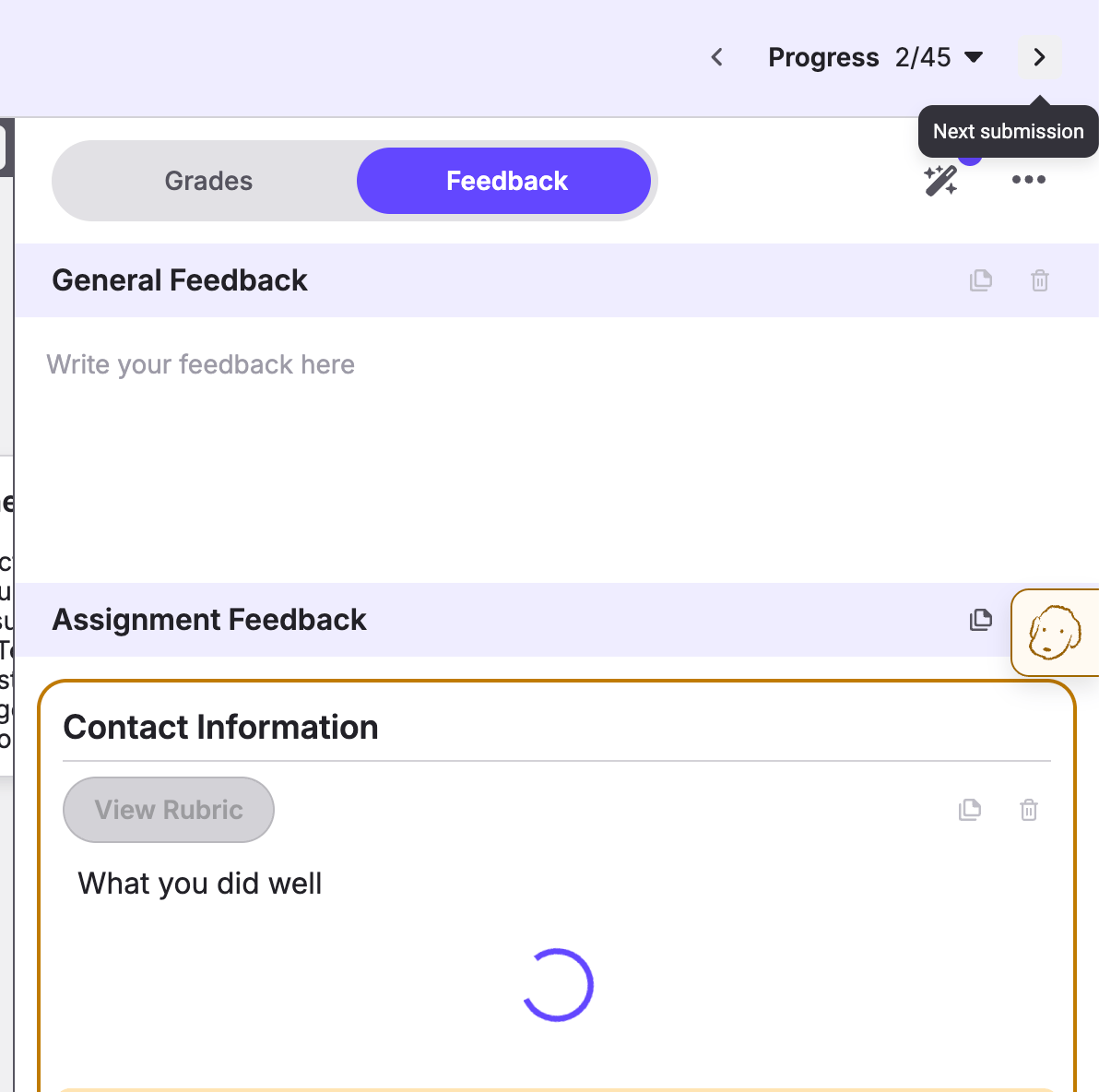
When you adjust a grade or update your rationale, the feedback should reflect those changes. We’ve made that process smoother while keeping instructors in control:
Know when to update feedback. TimelyGrader flags feedback for regeneration when grading details change. You decide when to regenerate it.
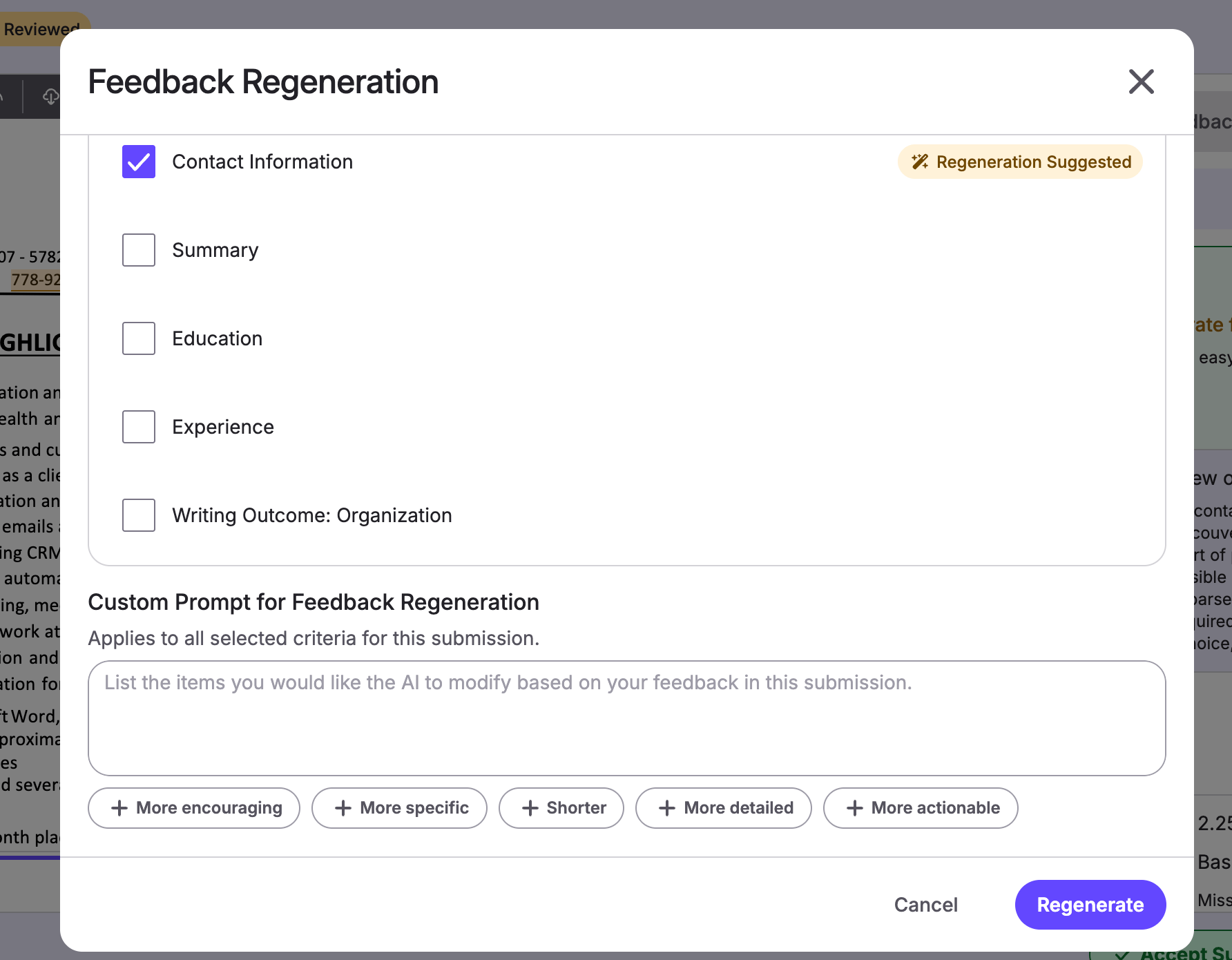
Personalize selectively. Choose which feedback to regenerate and add custom instructions to refine it for the student.
Keep working. Regeneration now runs in the background, so you can continue editing or move to the next submission without waiting.
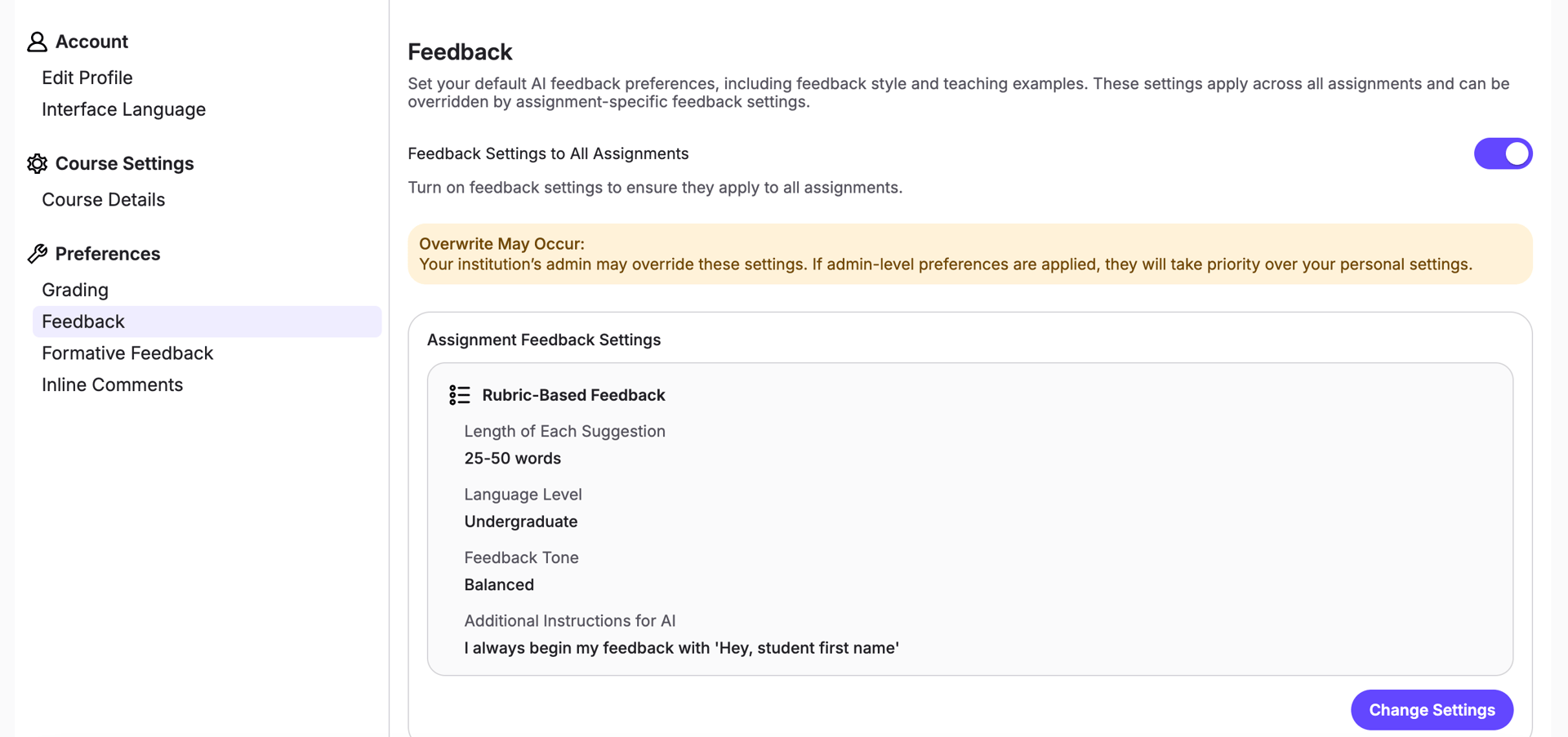
New Instructor Preferences Page
Everyone approaches grading and feedback differently. The new instructor preferences page lets you customize grading, feedback, and other settings to better reflect your approach.
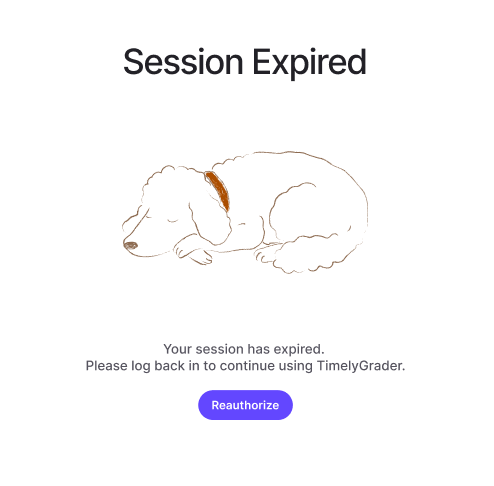
Newly designed error pages
This update newsletter is packed so we are ending with some fun! We’ve redesigned our error pages to explain what happened and what to do next. Whether your session or API connection has expired, or you don’t have permission to access a page, the updated messages provide clearer guidance.
When is it coming?
These updates will be available to all institutional partners with an LMS integration on September 10th, 2026 at 4PM PST.